
JUST ADDED: Change Your Currency Symbol
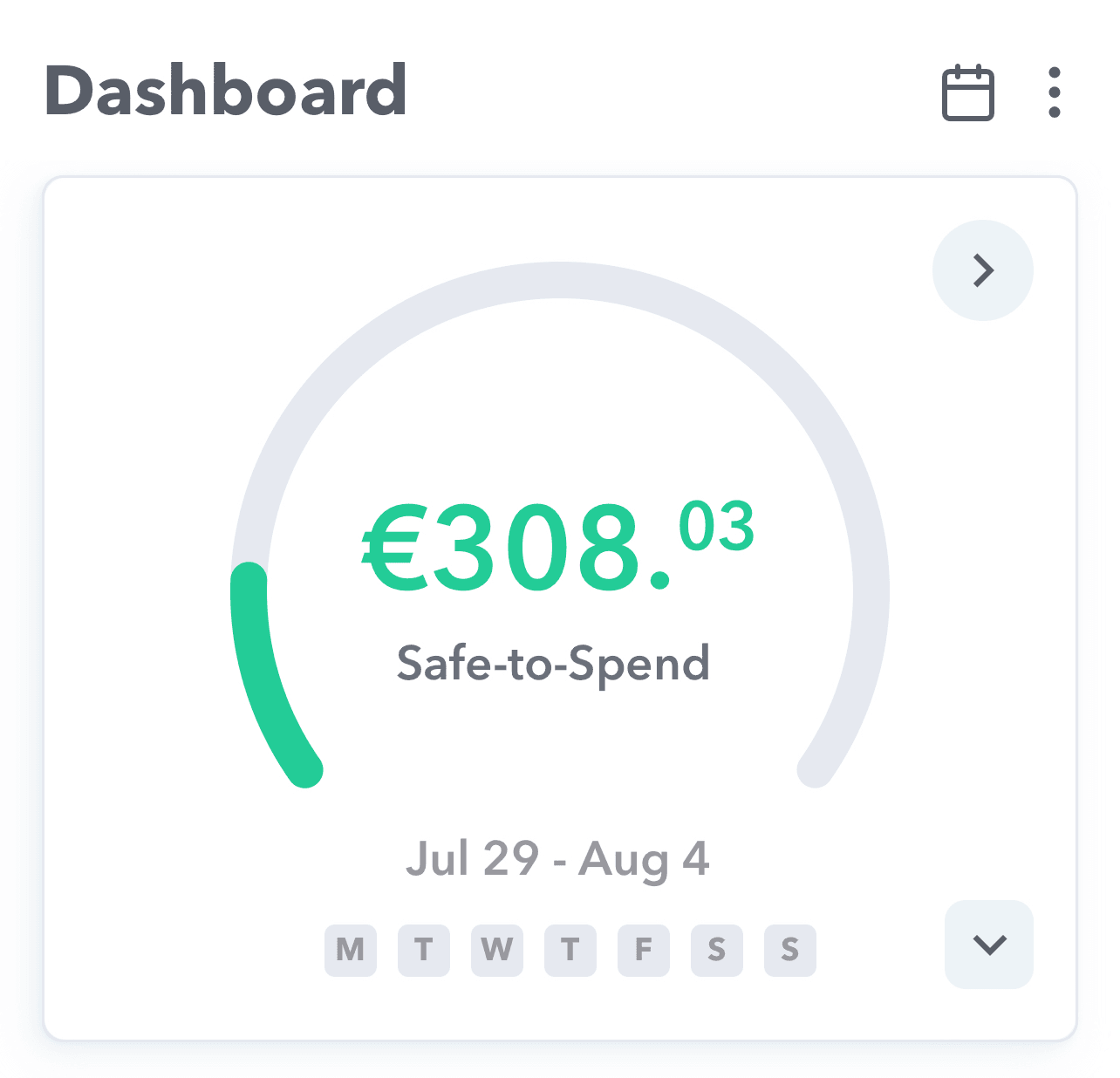
If you are using something other than dollars to manage your budget, we have good news. Weekly has added the ability to change your currency symbol in the app.
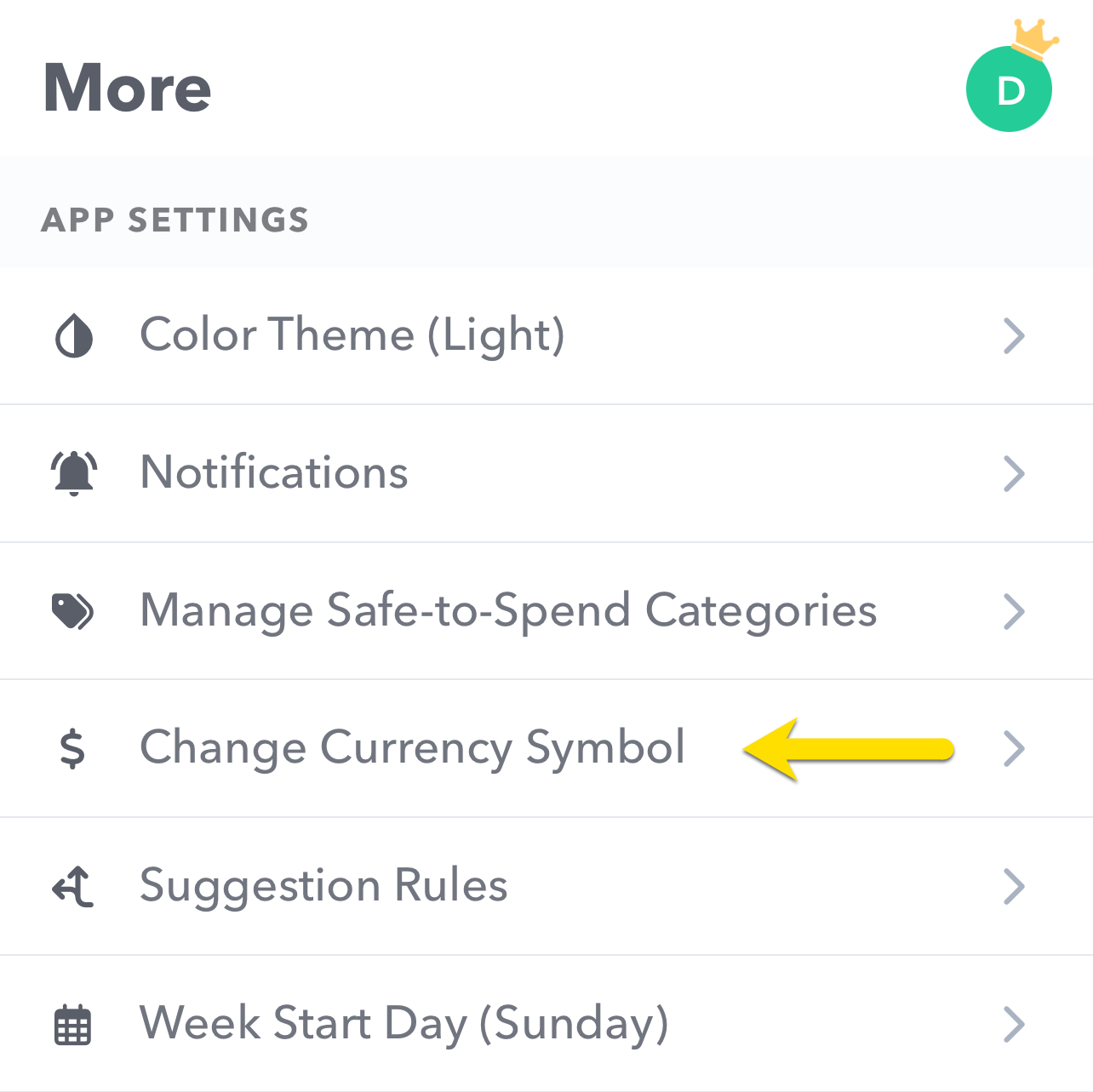
To change your currency, go to “More” and then tap “Change Currency Symbol”.
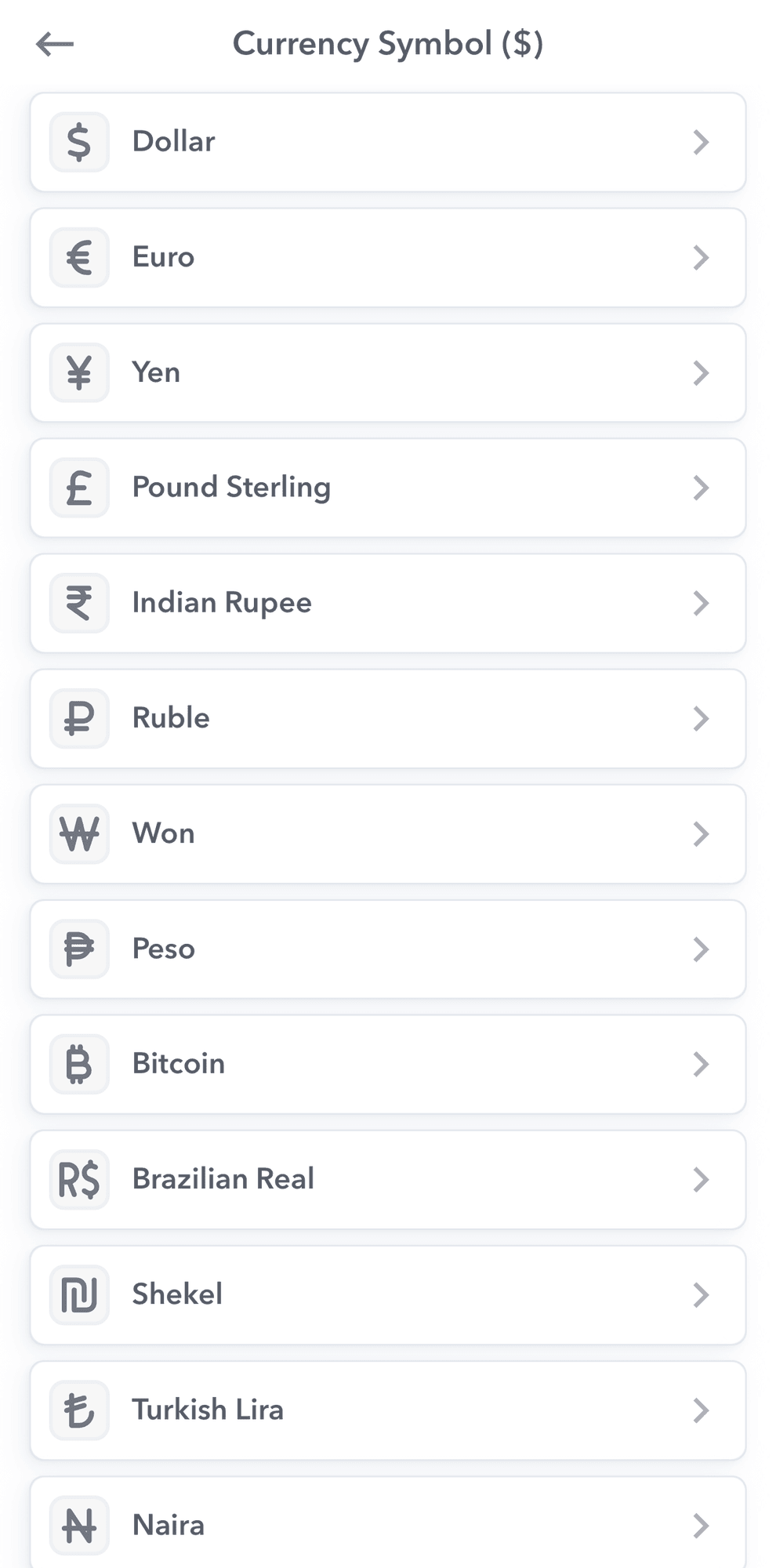
Then select what currency symbol you want in the list provided.
Your currency choice will show up on anywhere money transactions or calculations. Here’s an example screen with the currency symbol in Euros.
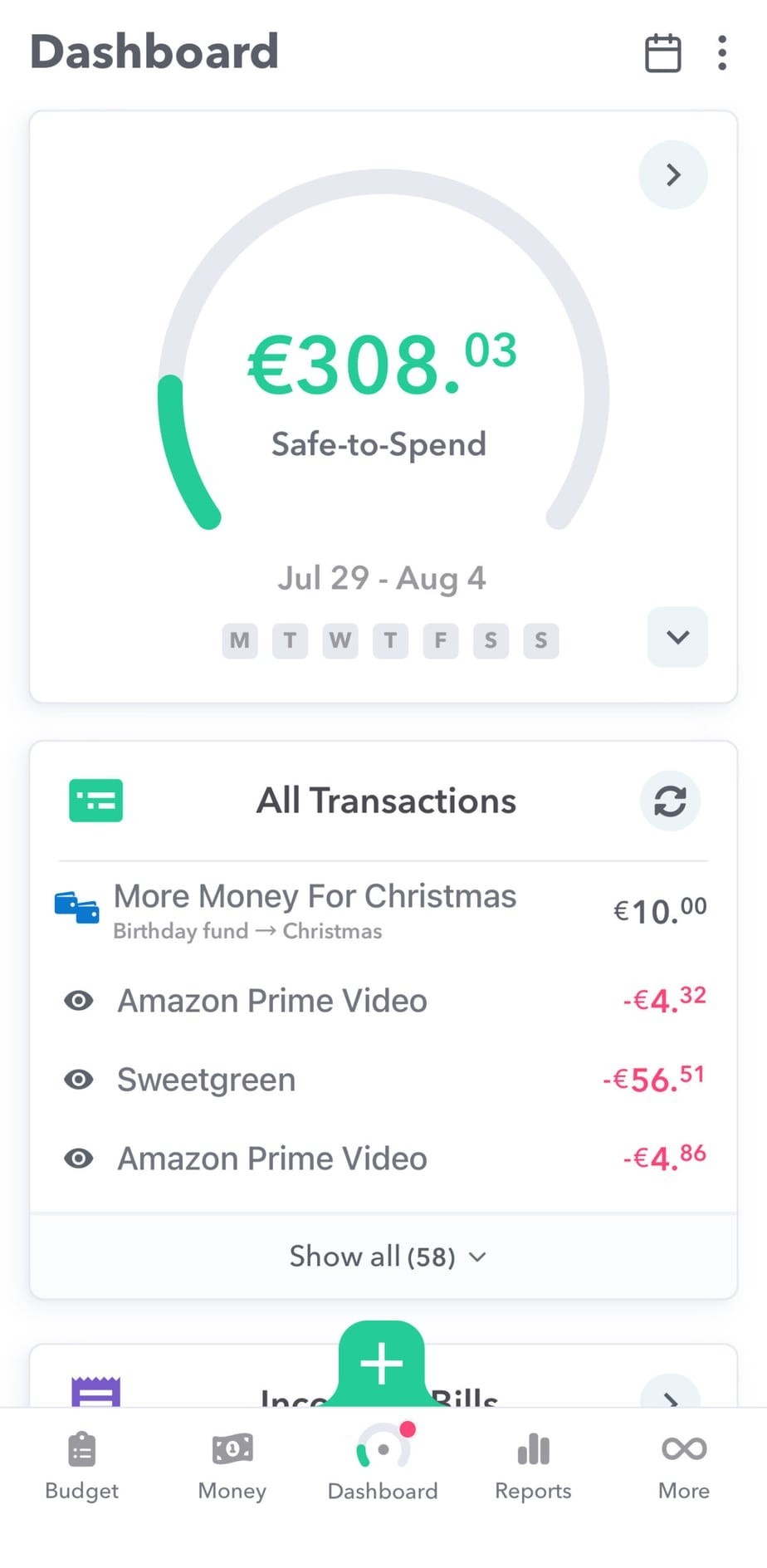
Please note: changing the currency symbol does not convert the amounts to the new currency. For example, if you have $100 in the bank and change the currency to Euros, it will not calculate the value of $100 in Euros, it will simply show €100.