

App Features
Weekly Is Now Live on Google Play
Weekly has always meant simpler budgeting: one number, no categories, no spreadsheets. That experience is now officially on Android.
What we're shipping, and how to get more out of budgeting a week at a time.
Weekly has always meant simpler budgeting: one number, no categories, no spreadsheets. That experience is now officially on Android.

There's a version of saving that's just hoping you'll have enough. Then there's saving with a plan — the difference between hoping and knowing.
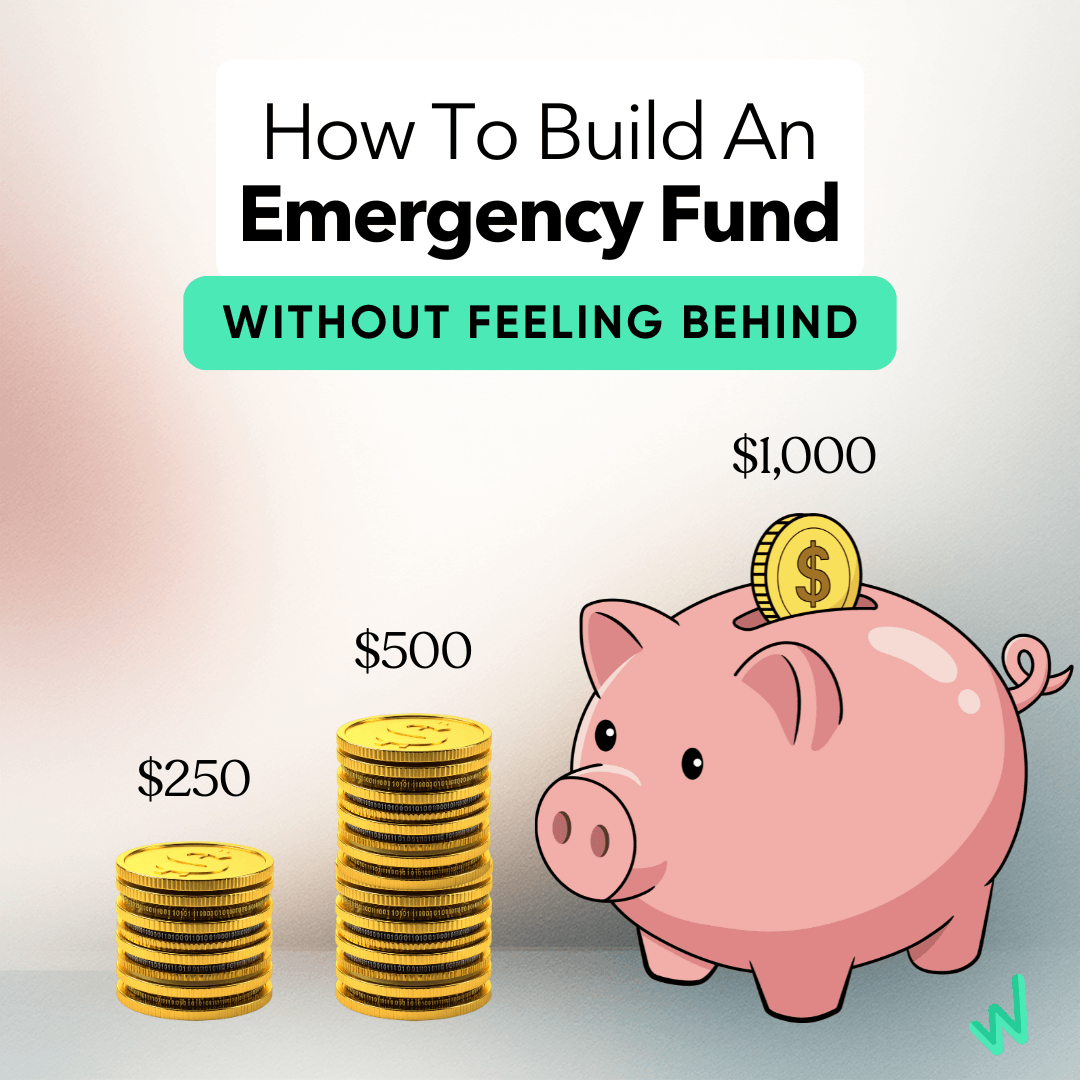
Starting an emergency fund from zero at 30, 40, or 50 can feel overwhelming. Here's how to fix that feeling — and start building one, one week at a time.
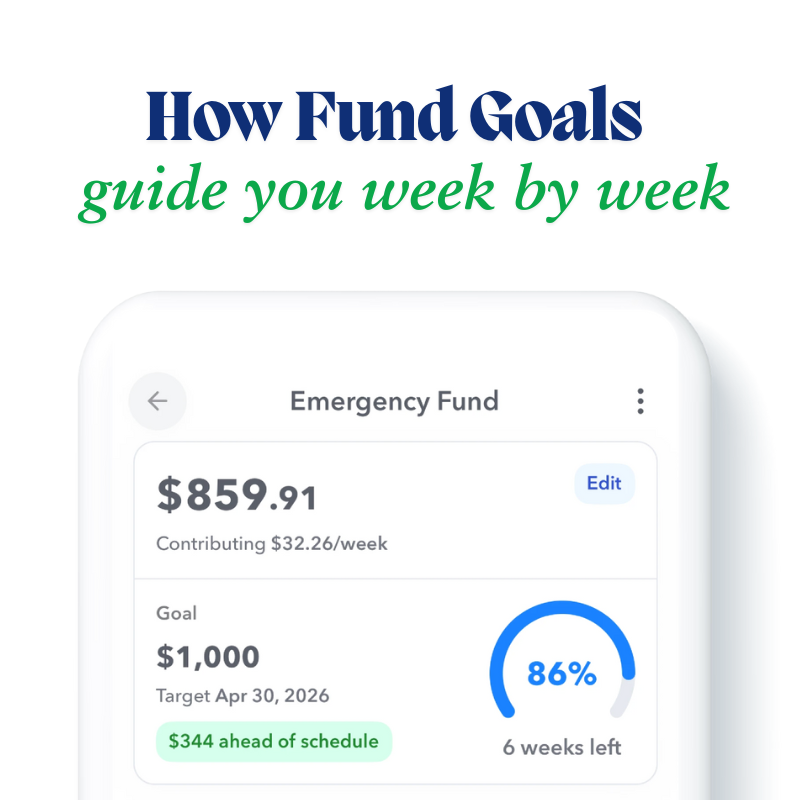
Fund Goals give you a clear, week-by-week path toward any savings target, so saving for something big stops feeling like guesswork.

Fund Goals are here: set a savings target and date, and Weekly calculates exactly how much to save each week to actually hit it.
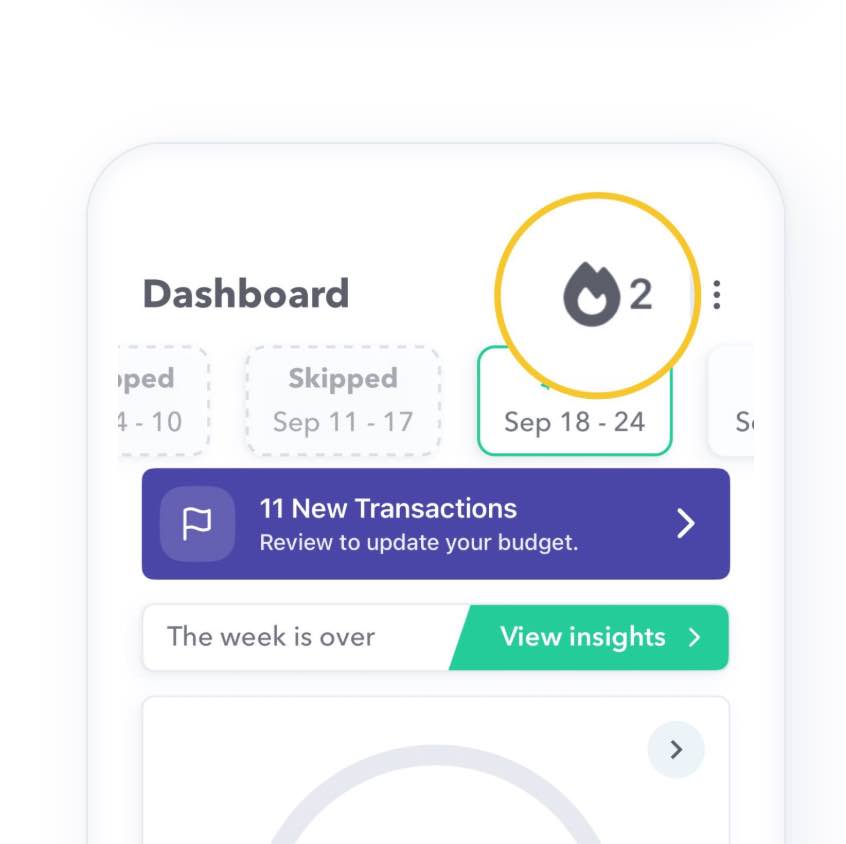
Introducing Streaks: a fun new way to stay motivated and consistent with your budgeting habits in Weekly, week after week.
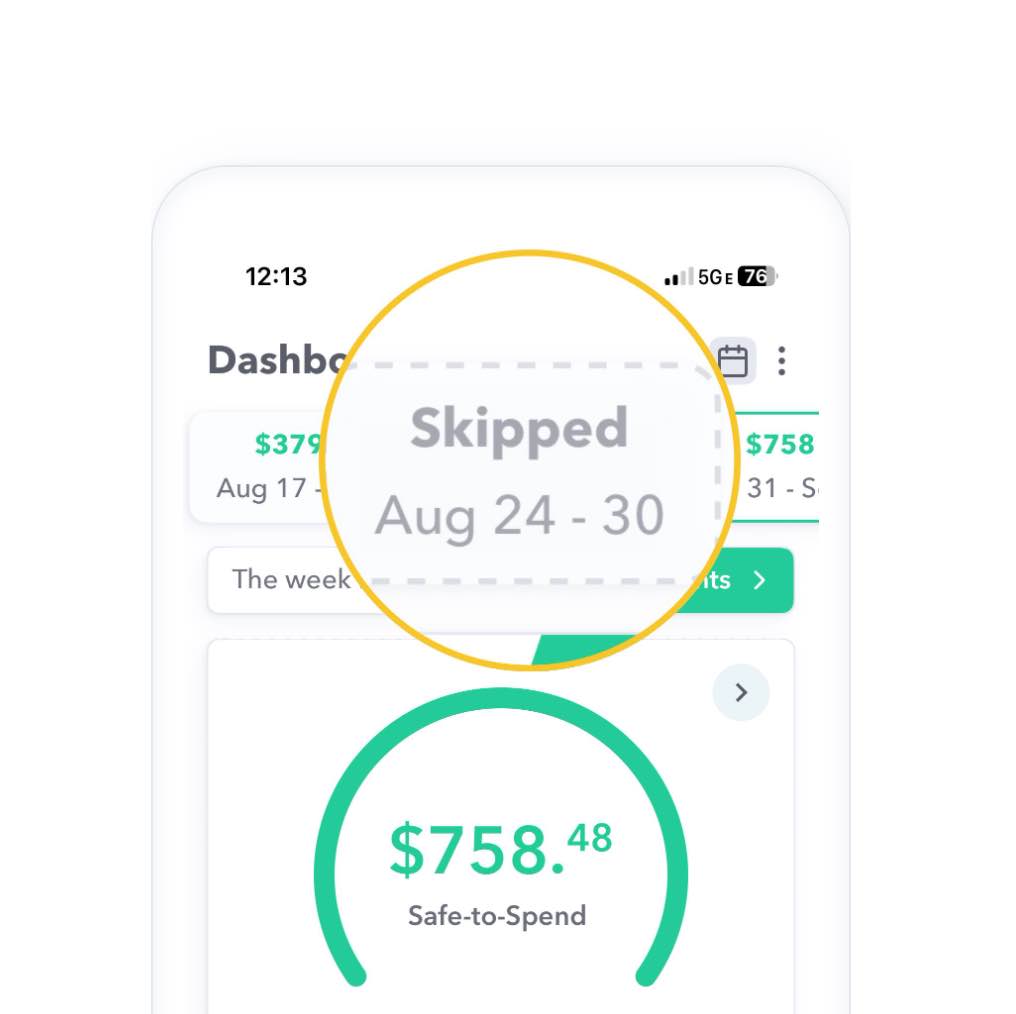
Missed tracking a week or two? Weekly now lets you fill in skipped weeks after the fact, so your budget history stays complete.

How tracking spending weekly instead of monthly helped one Weekly user pay off $7,000 in credit card and medical debt in 10 months.
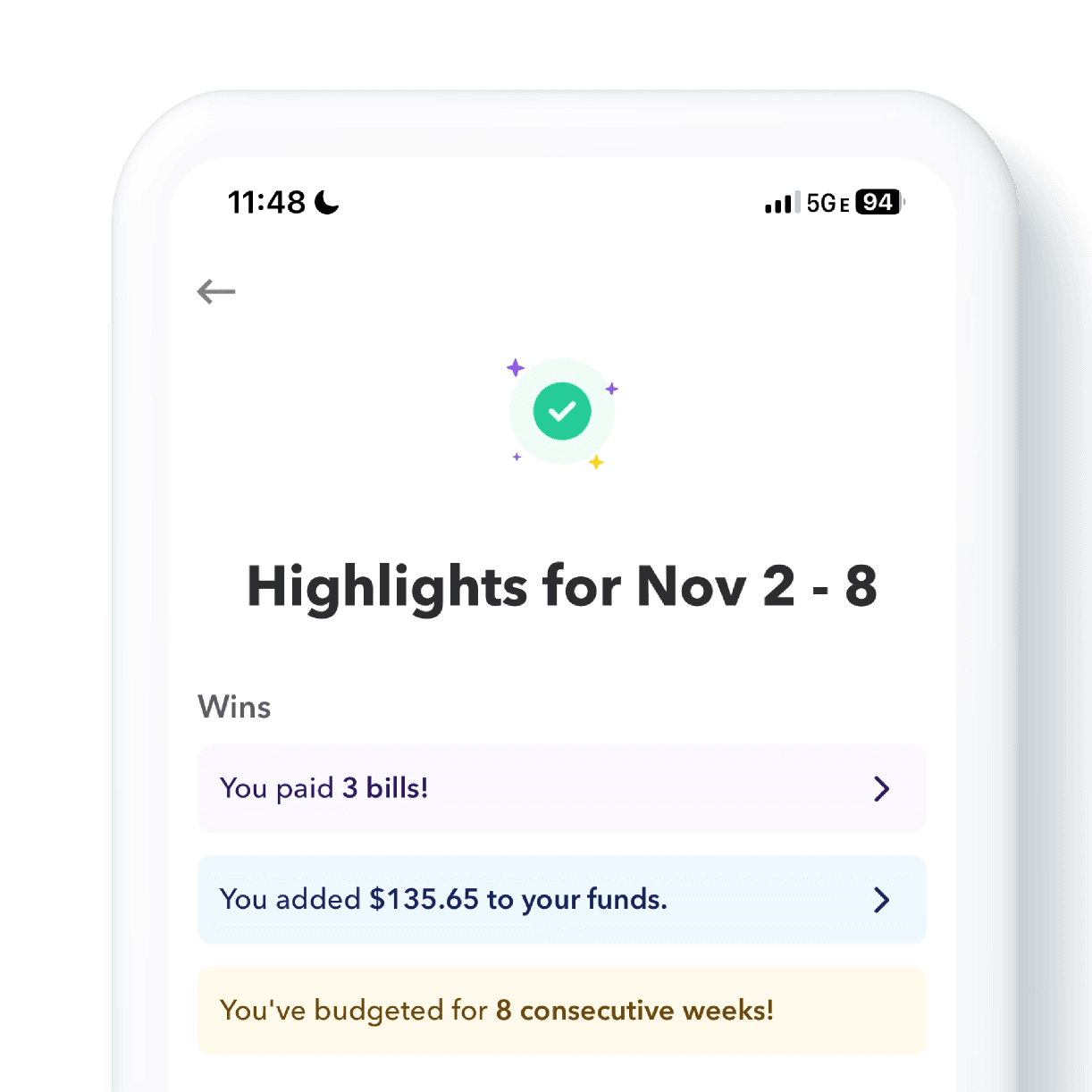
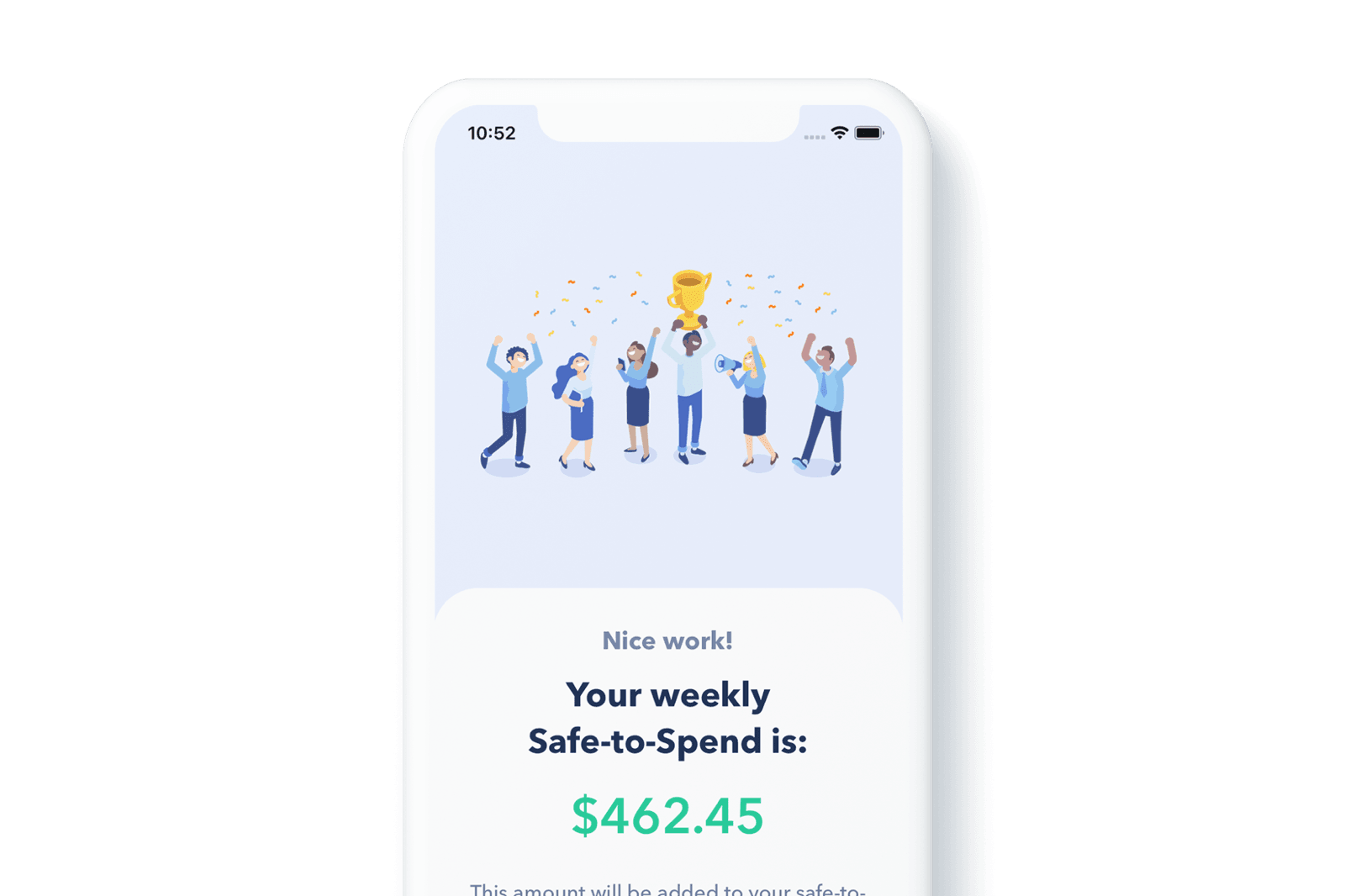
Introducing the Week in Review screen: a new way to reflect on, learn from, and celebrate your budgeting progress every week.
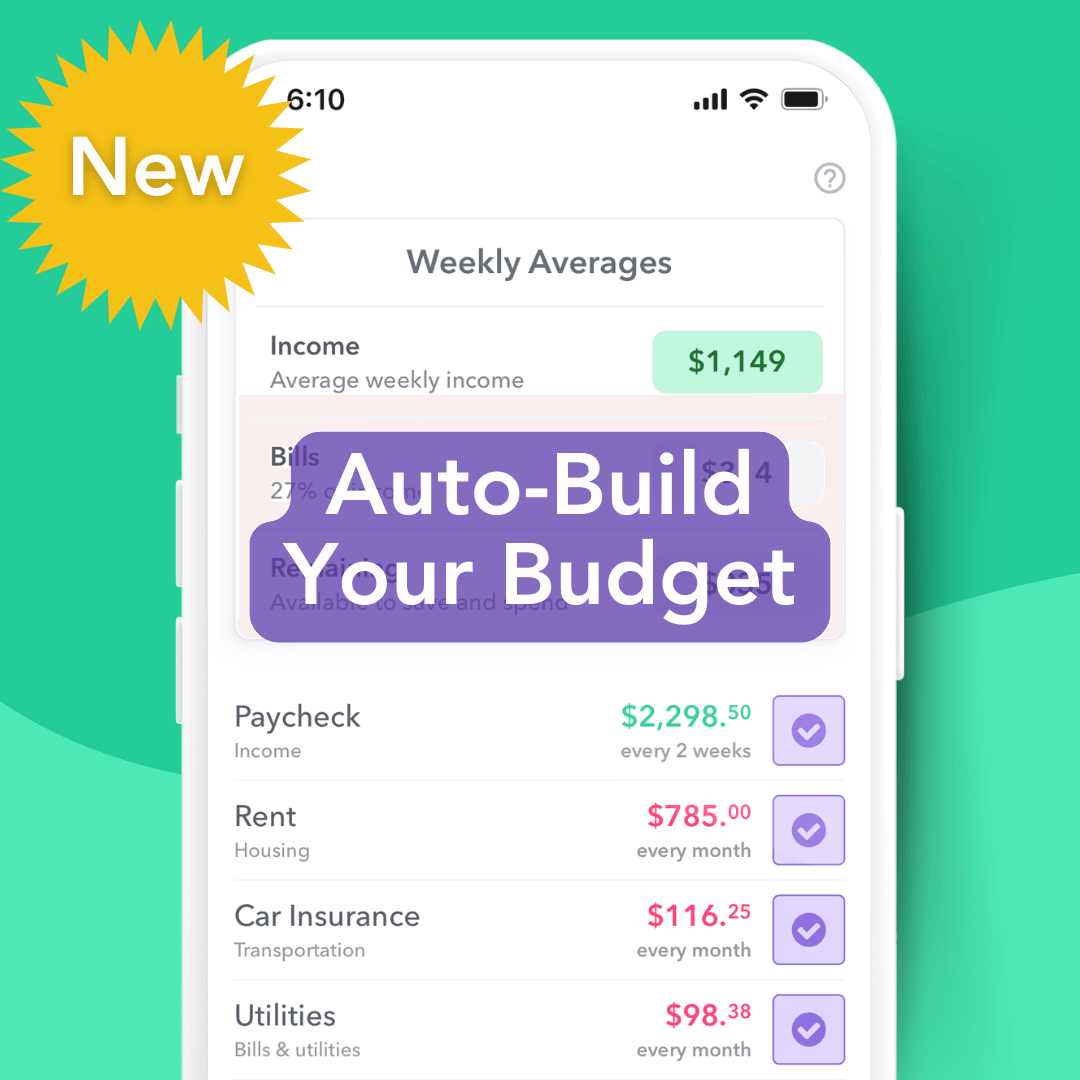
Setting up a budget used to mean manually entering income and expenses from bank statements. Weekly's new Auto-Build tool does it for you.
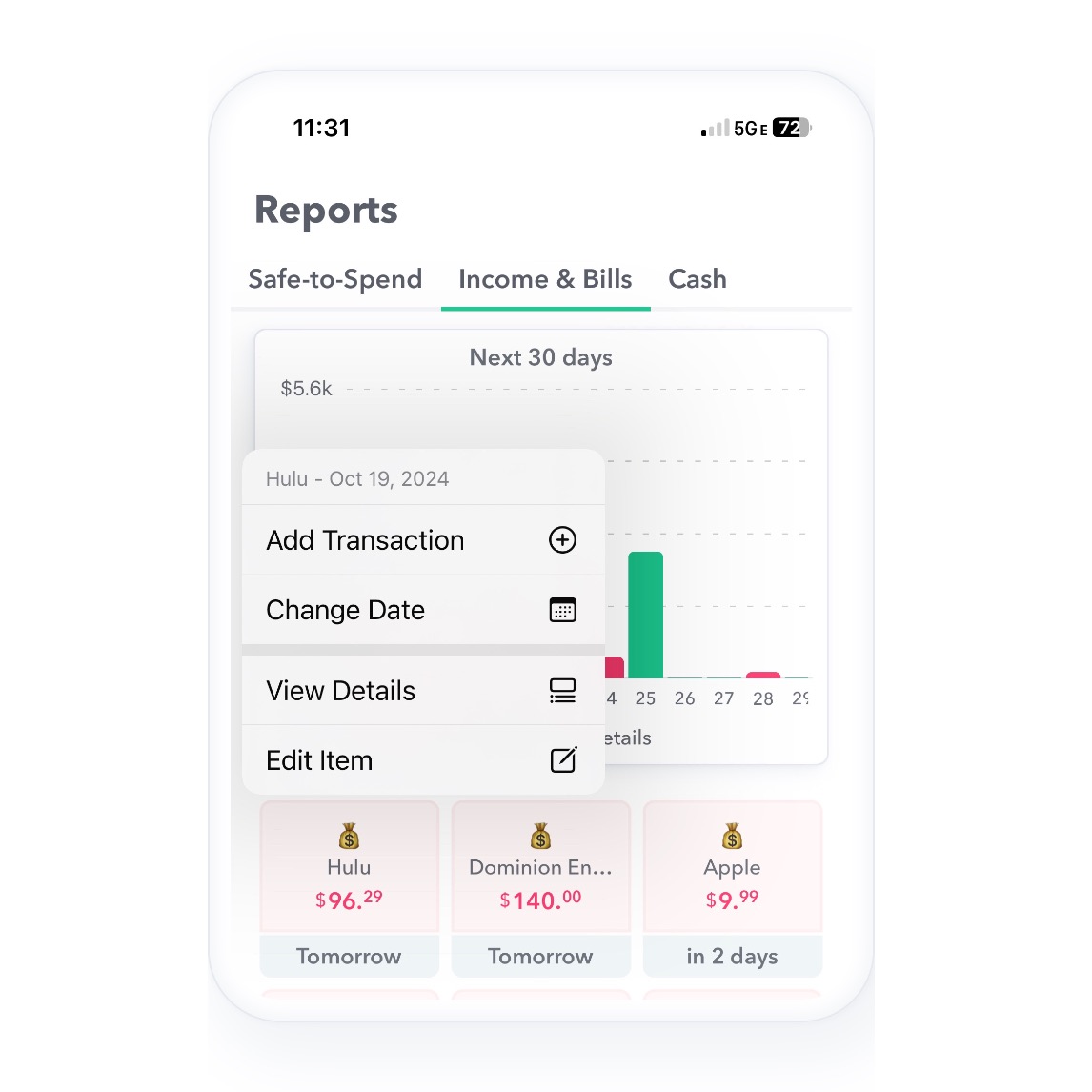
Weekly's Income and Bills screen just got easier to use — add transactions, change bill dates, or see payment history in a single tap.

Building your first budget doesn't have to be daunting. A simple, step-by-step guide to setting up a budget that's easy to stick with.
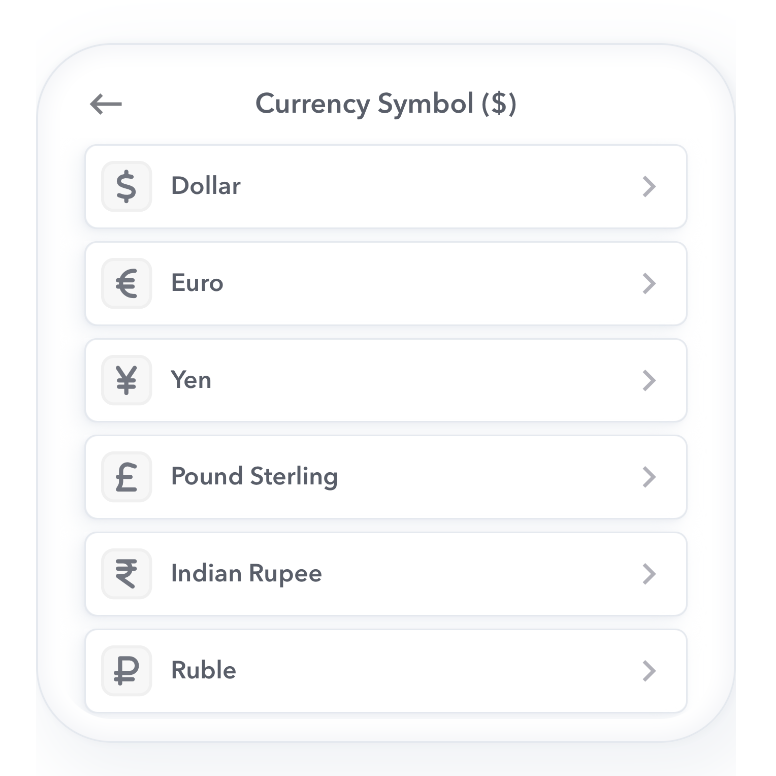
Budgeting in a currency other than dollars? Weekly now lets you change your currency symbol right from the app's settings.
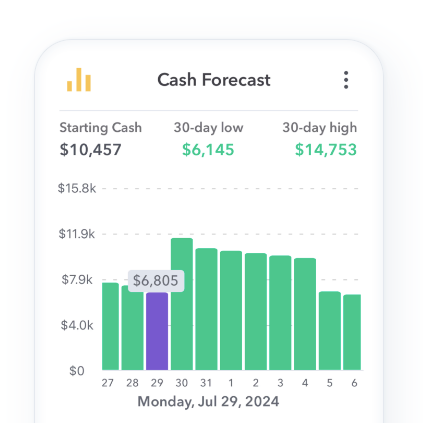
Weekly's Cash Forecast report is out of beta, now with notifications — plus a new way to bulk-edit next transaction dates.
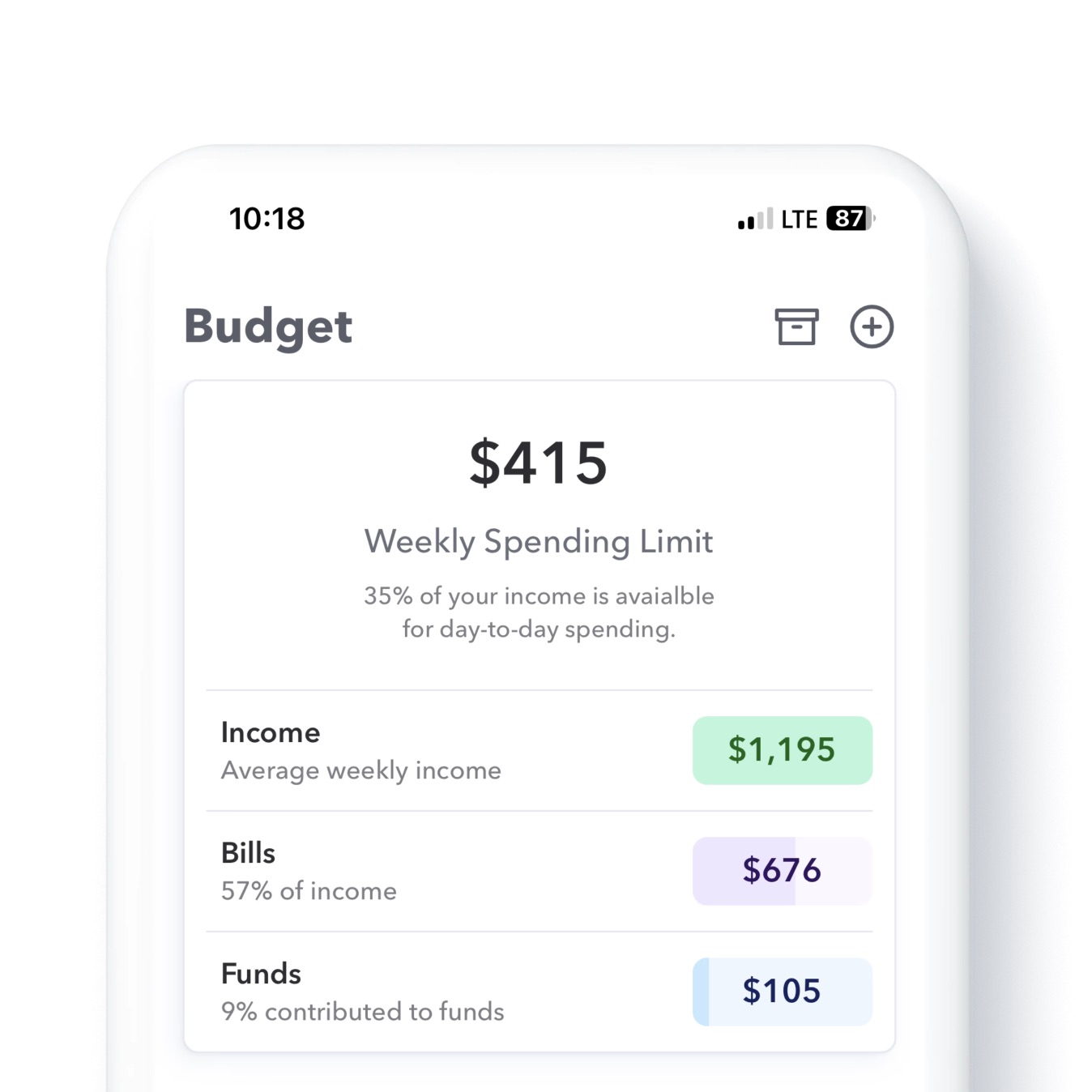
The latest Weekly release brings a new Budget Summary view at the top of the screen, plus new context menus for organizing your budget pages.
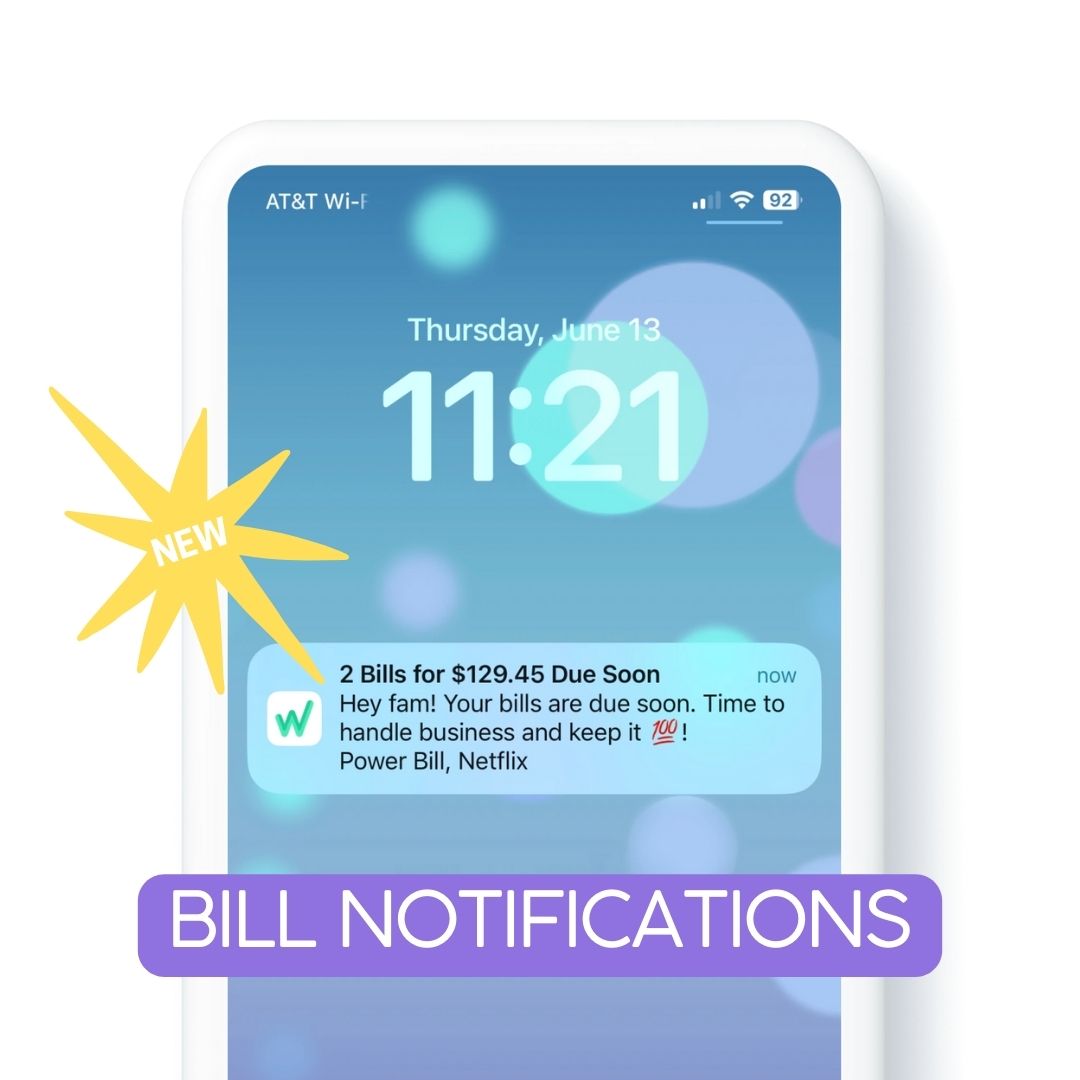
Weekly's notifications just got smarter: bill reminders before they're due, and daily nudges to log transactions without bank sync.
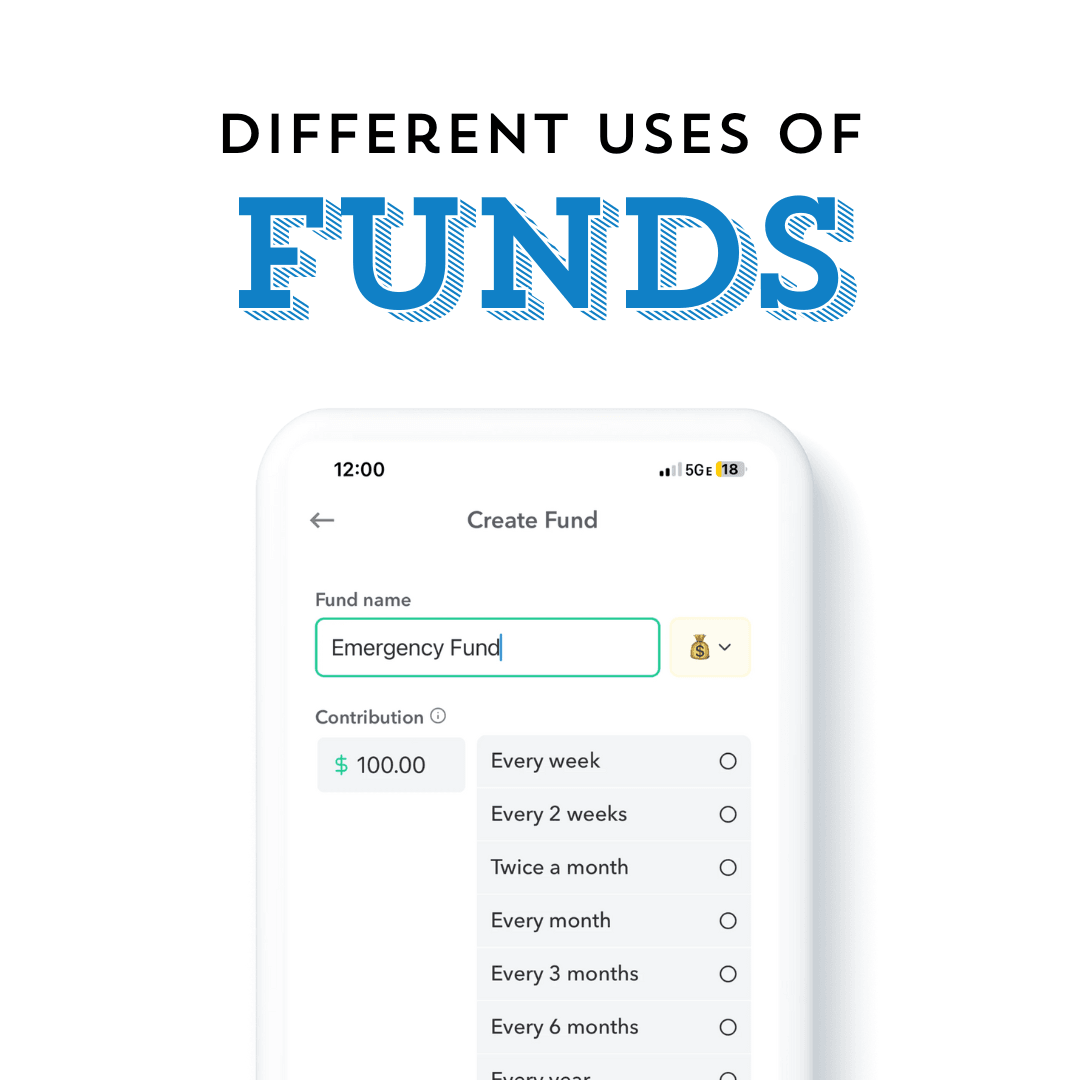
Funds aren't just for emergencies. Here's how people use Weekly's Funds feature to save for everything from a down payment to a vacation.
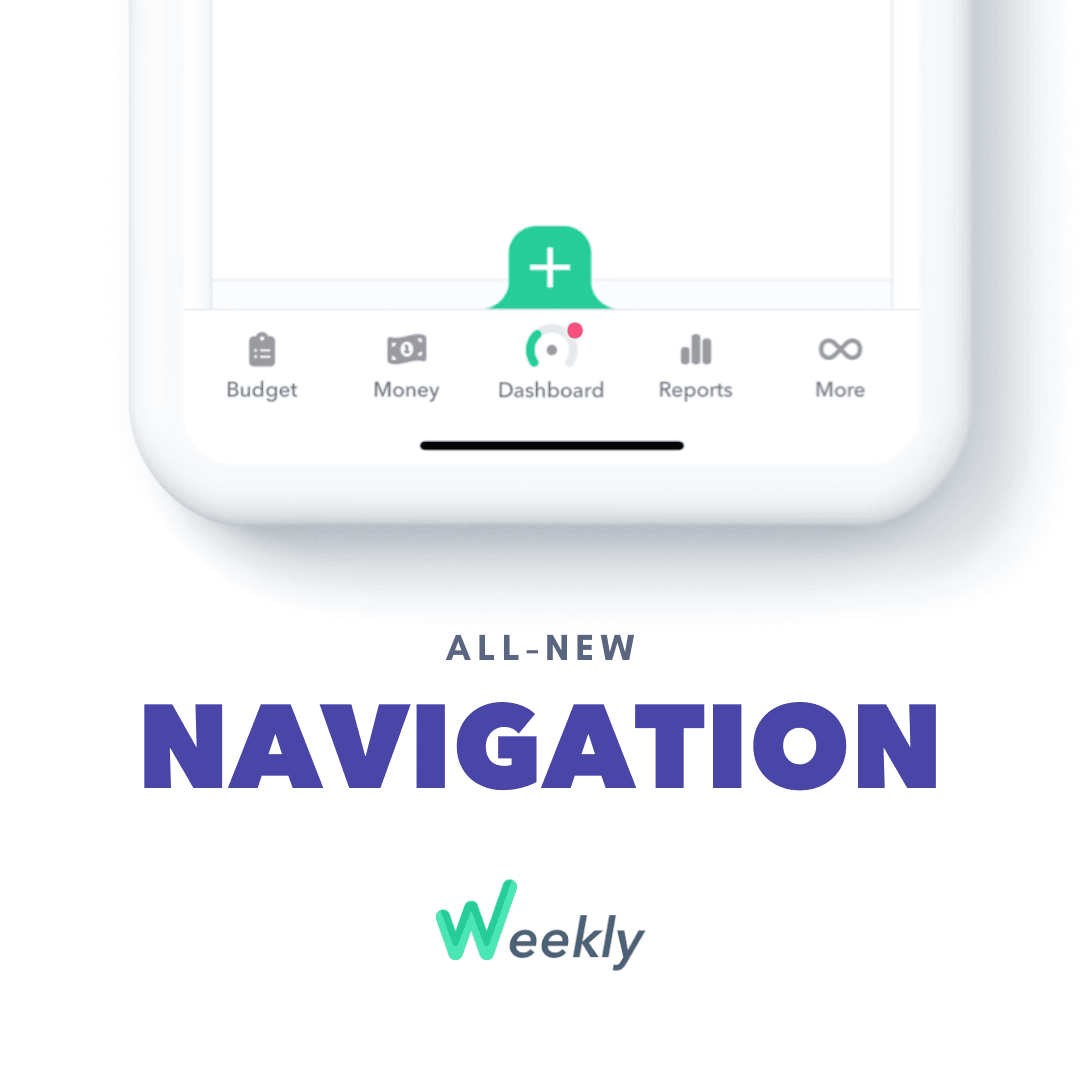
Weekly's new bottom navigation puts Budget, Money, Dashboard, Reports, and More just a tap away, with new tabs under Money and Reports.

The Trend Report is a graph of spending and income over time. You can see a Trend Report for your Safe-to-Spend categories, Funds, or Recurring items.

It's possible for your Safe-to-Spend to be larger than your bank balance. Here's why that happens, and why it doesn't mean you're overspending.

Variable income doesn't have to mean unpredictable budgeting. Here's how to budget with Weekly when your paychecks change week to week.
Gas and groceries feel like fixed costs but rarely are. Two different ways to budget for these variable-but-essential expenses in Weekly.
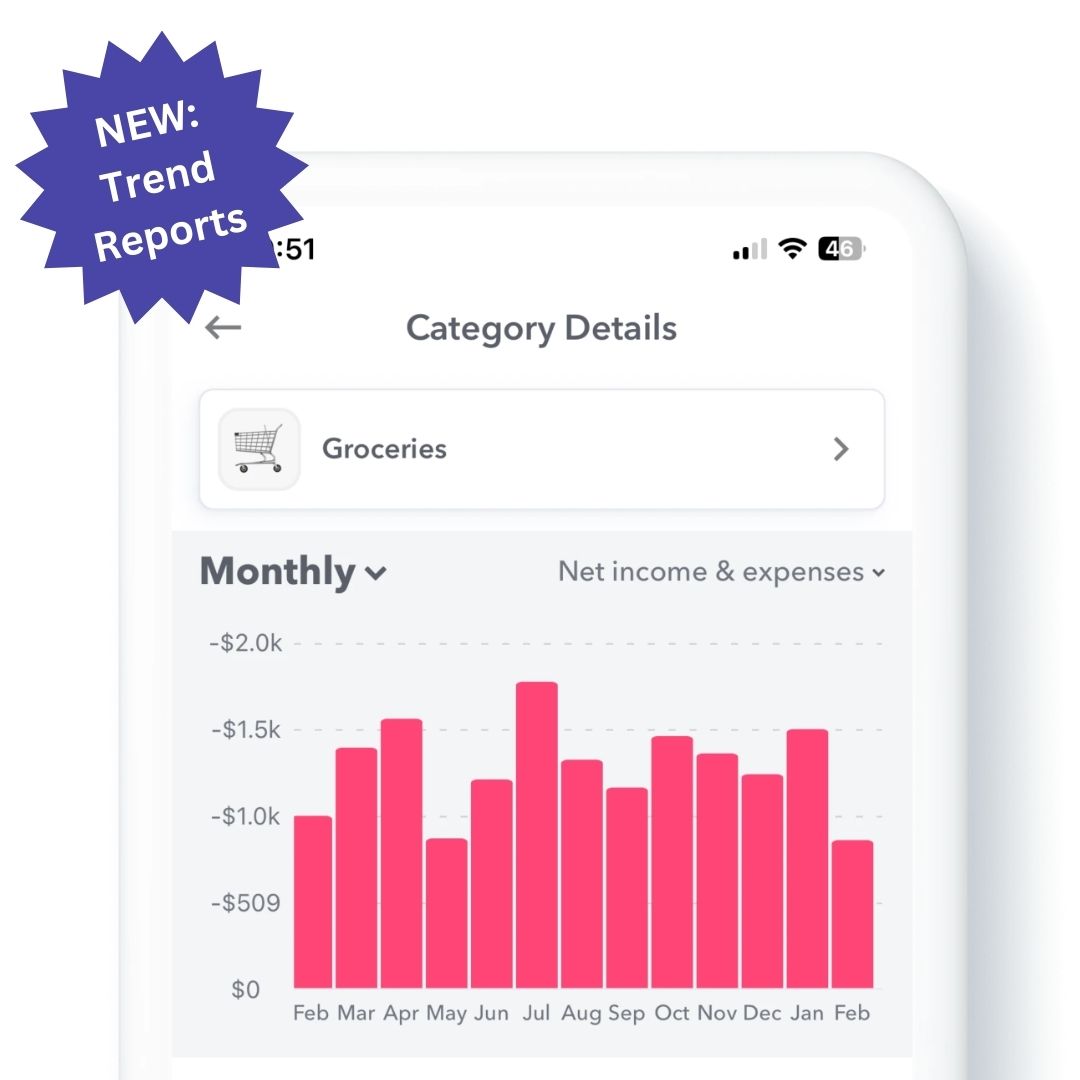
The Trend Report is a graph of spending and income over time. You can see a Trend Report for your Safe-to-Spend categories, Funds, or Recurring items.
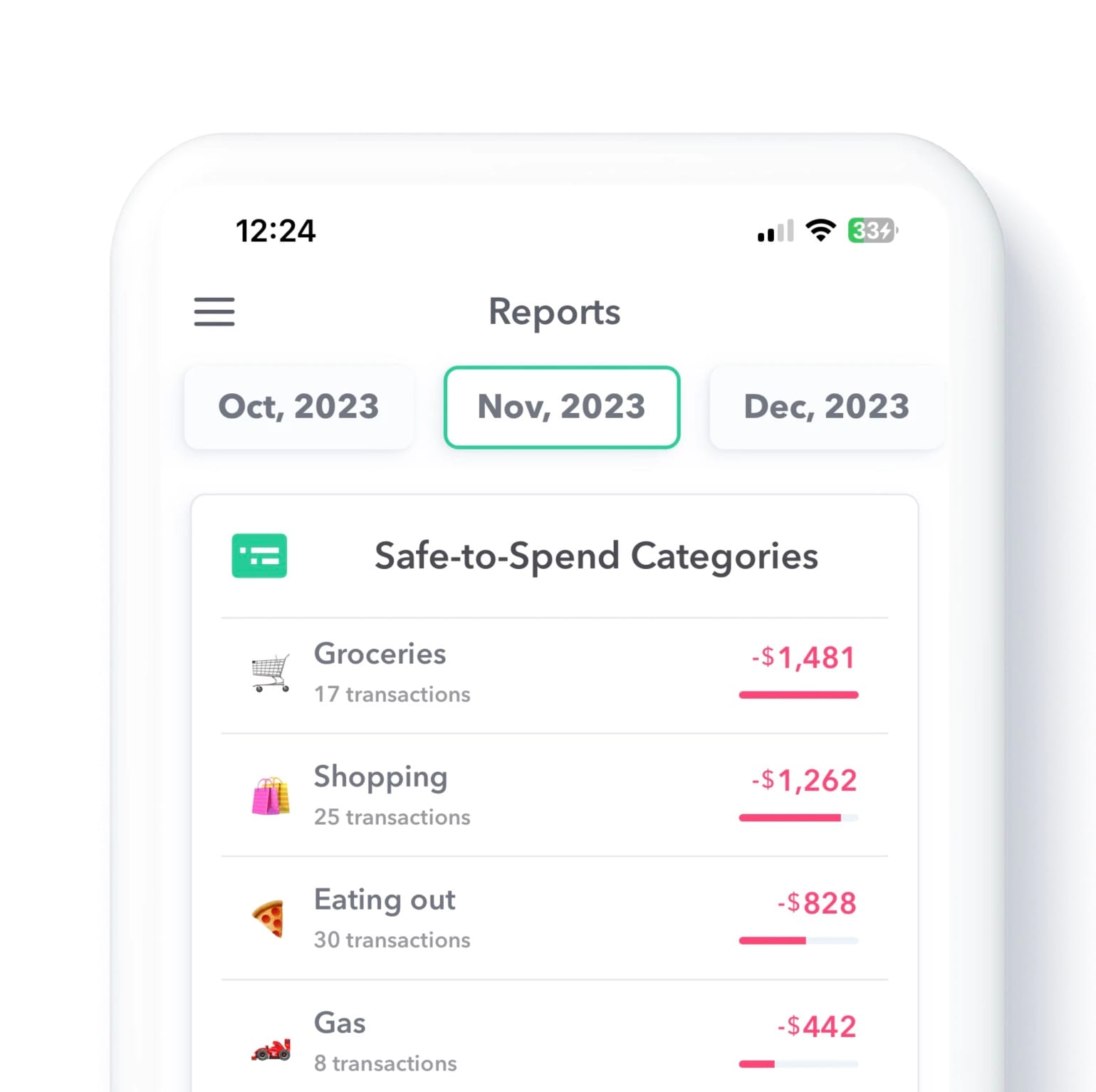
See your Safe-to-Spend by category over an entire month, not just the current week, with Weekly's new Monthly Category Report.
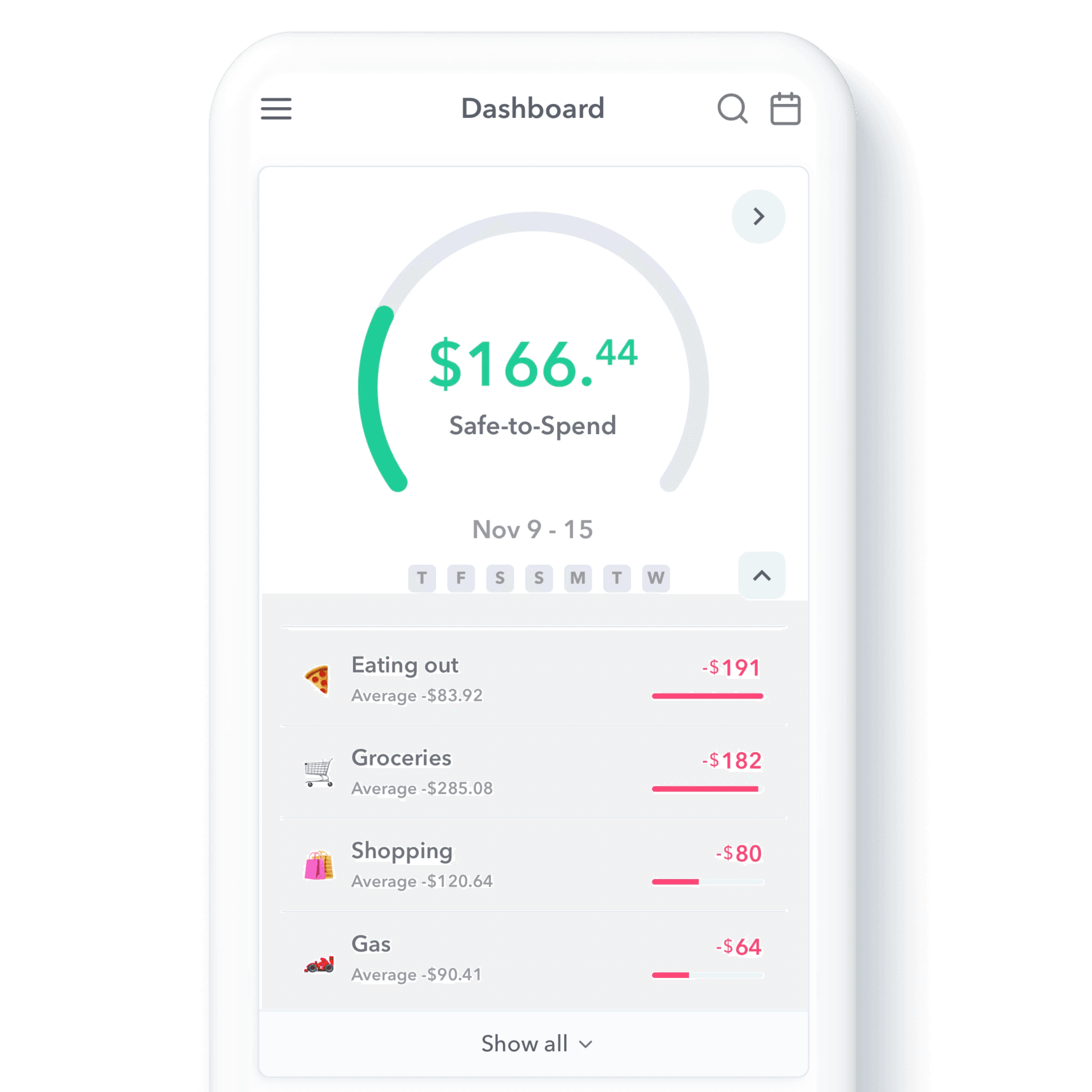
Track your Safe-to-Spend by category, like Gas or Groceries, right alongside your single weekly number with Weekly's new category tracking.

Complex budgeting tools can be especially hard to stick with if you have ADHD. Here's why Weekly's simple, one-number approach works better.
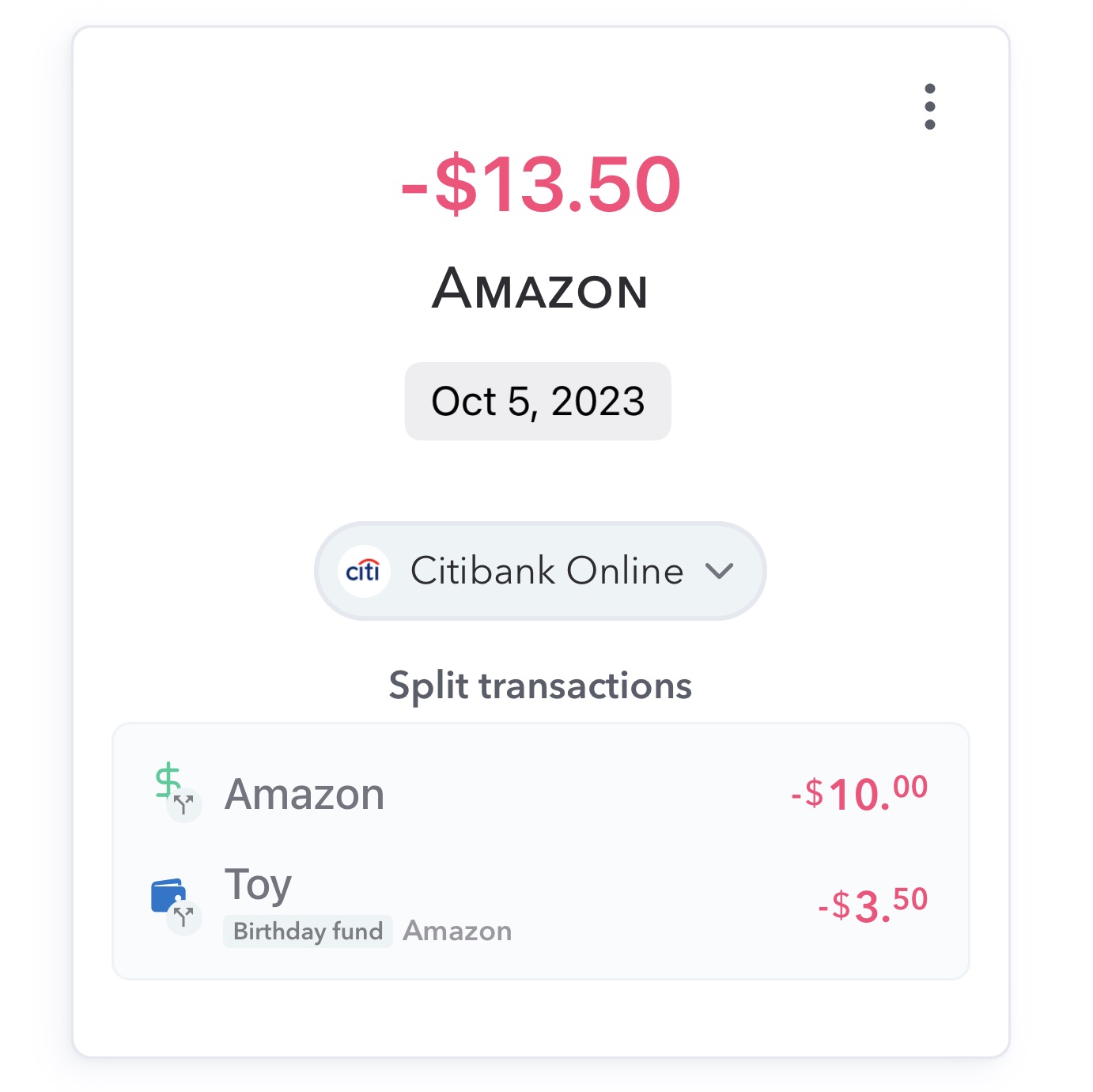
Split a single transaction across multiple categories or destinations with Weekly's new Split Transactions feature, for better accuracy.
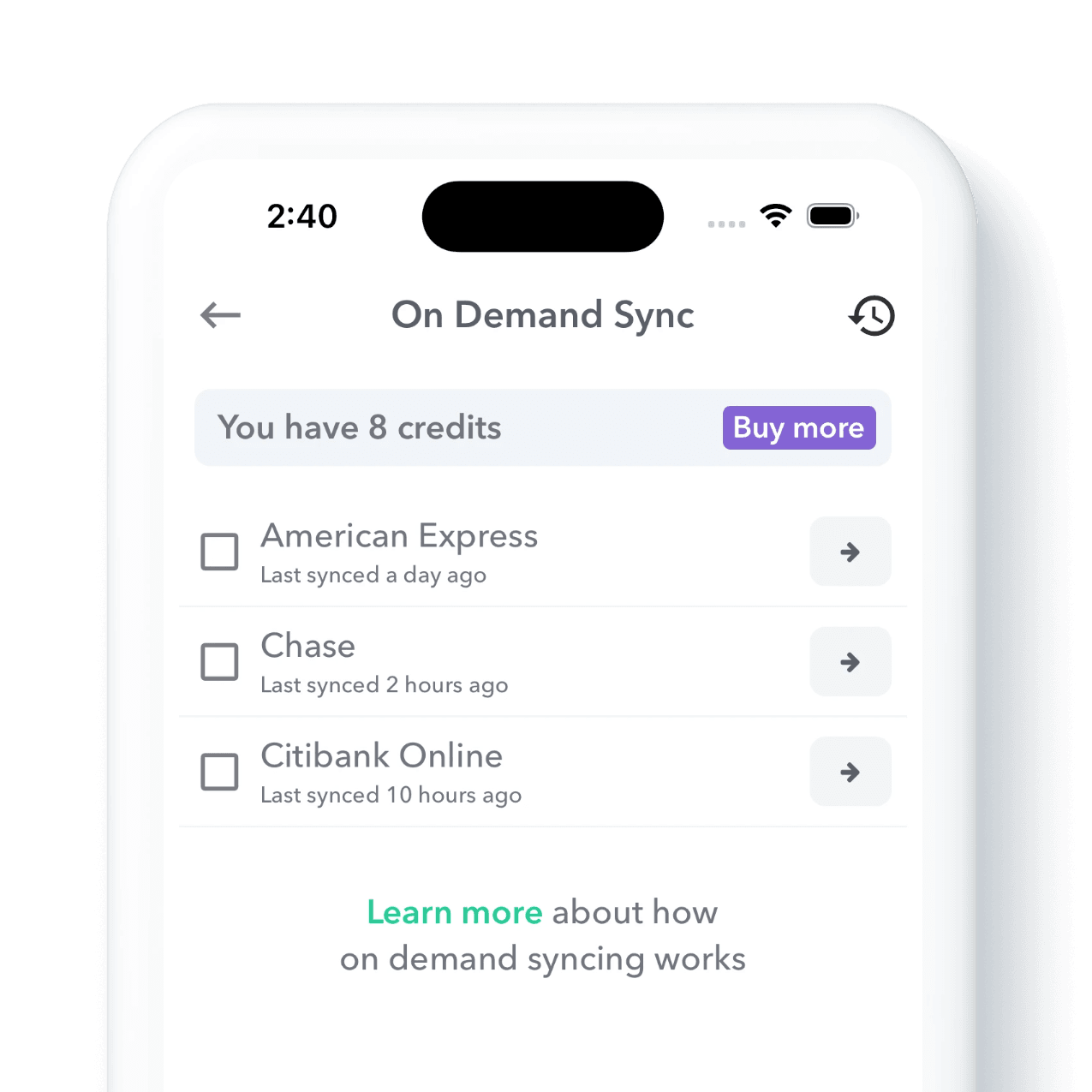
Weekly PRO users can now sync bank transactions on demand instead of waiting, plus see a full history of every sync in the app.
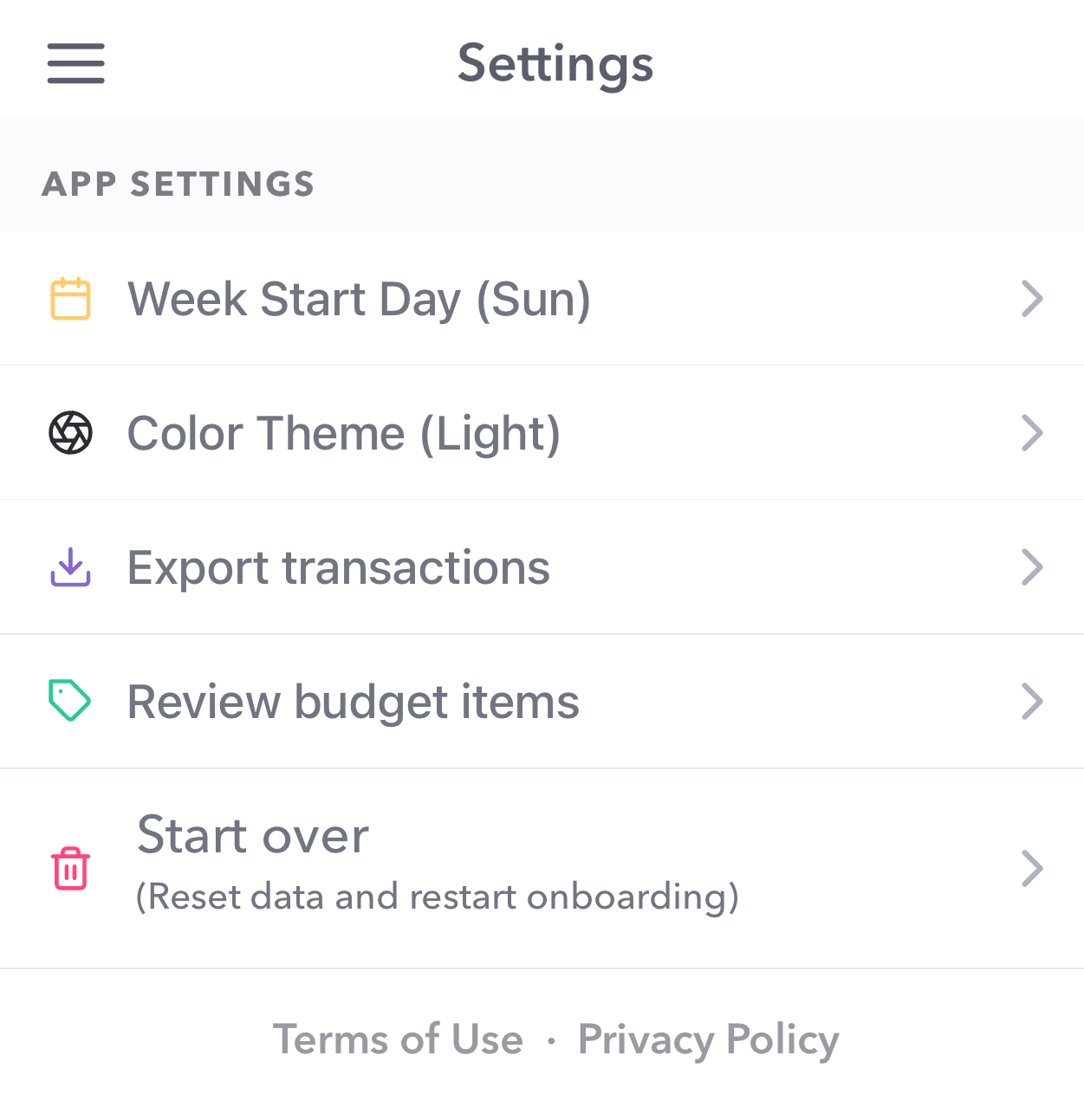
Forgot to add something when you first set up Weekly? You can always restart onboarding to review and add any missing budget items.

Weekly co-founder Dan Seethaler joins the CFO at Home podcast to talk weekly budgeting and communicating about money with a partner.
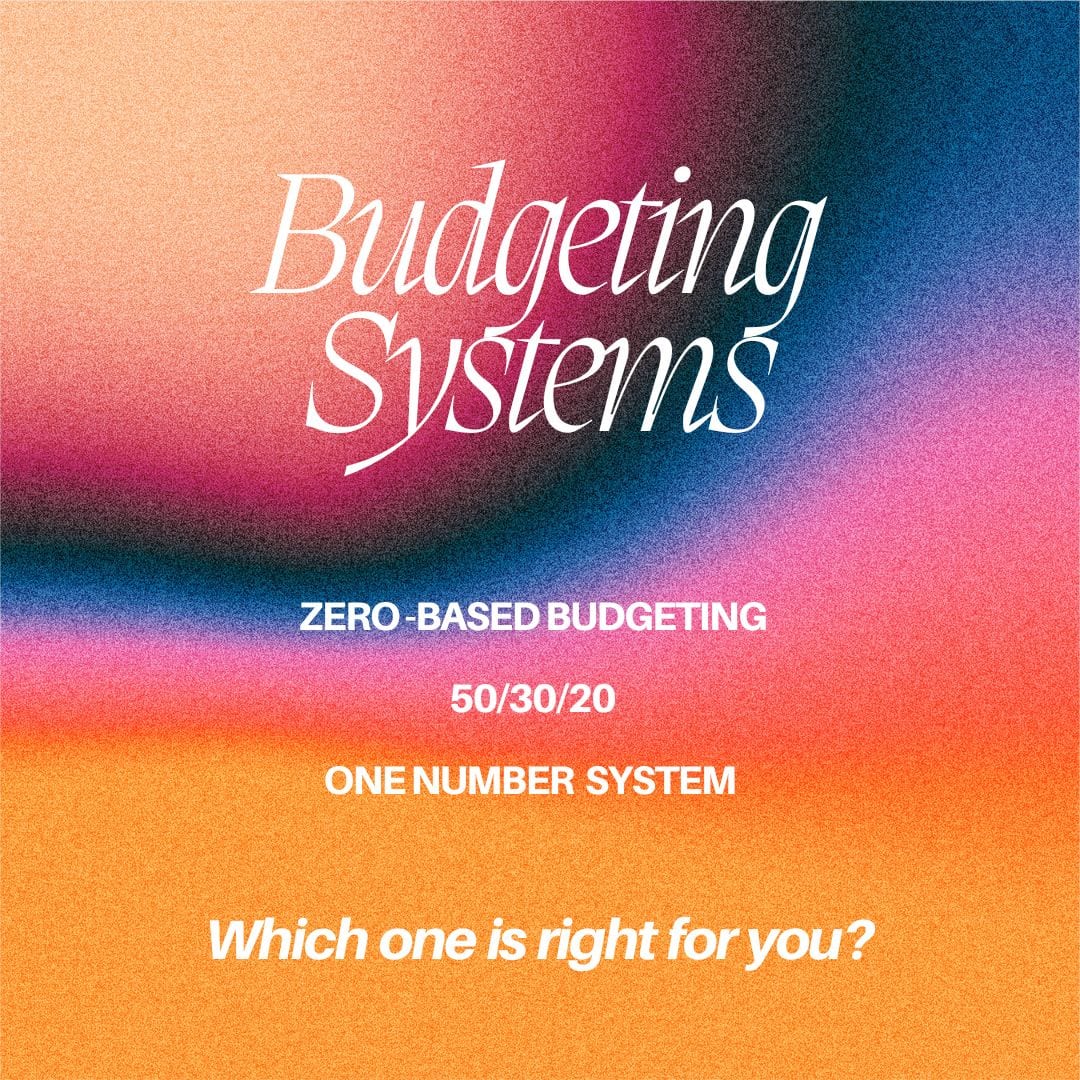
There's no single right way to budget. A look at popular budgeting methods, and how Weekly's weekly Safe-to-Spend approach compares.
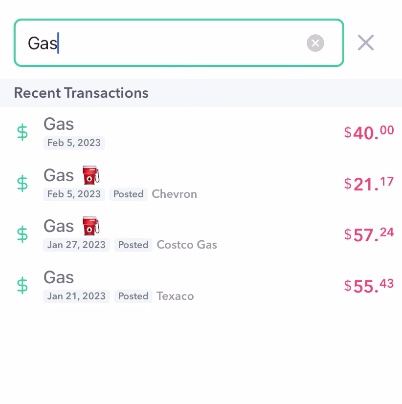
A big update to how Weekly handles transactions: edit past weeks, search transactions, and manually add recurring items. See what's new.
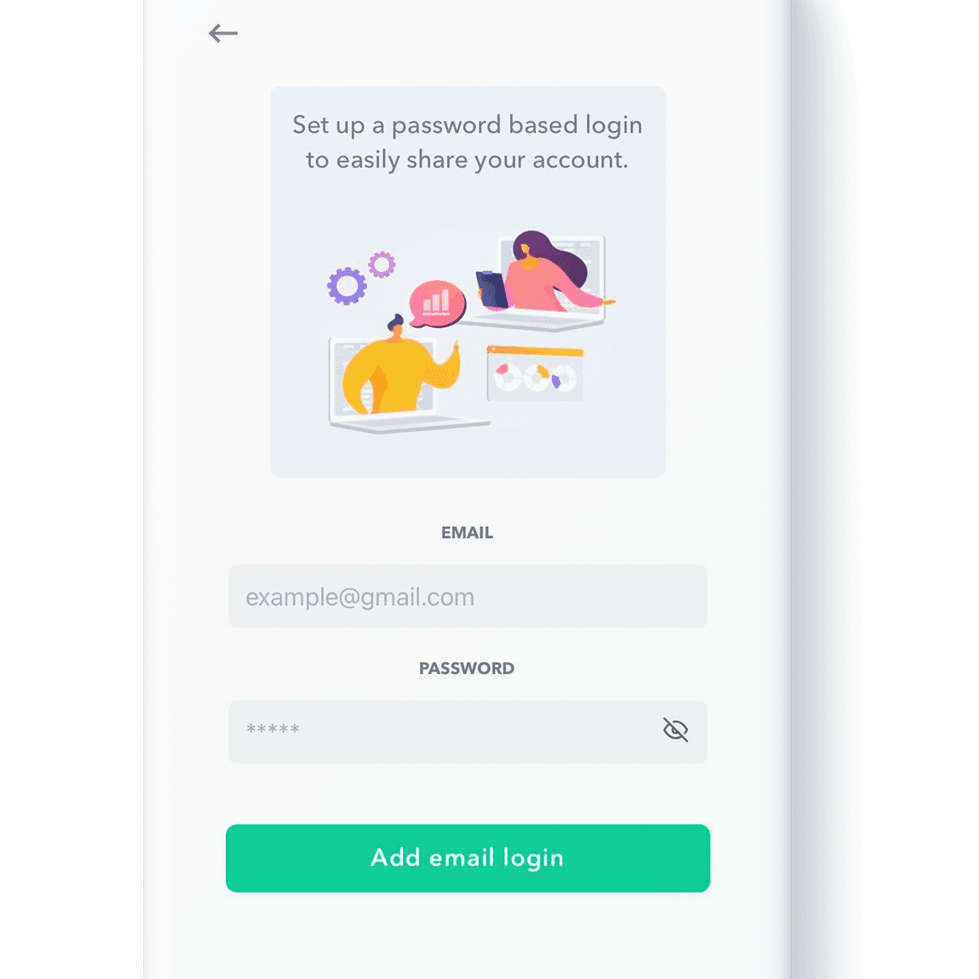
Because Weekly can be shared across multiple phones, couples can manage their budget together. Here's how to share your budget with a partner.
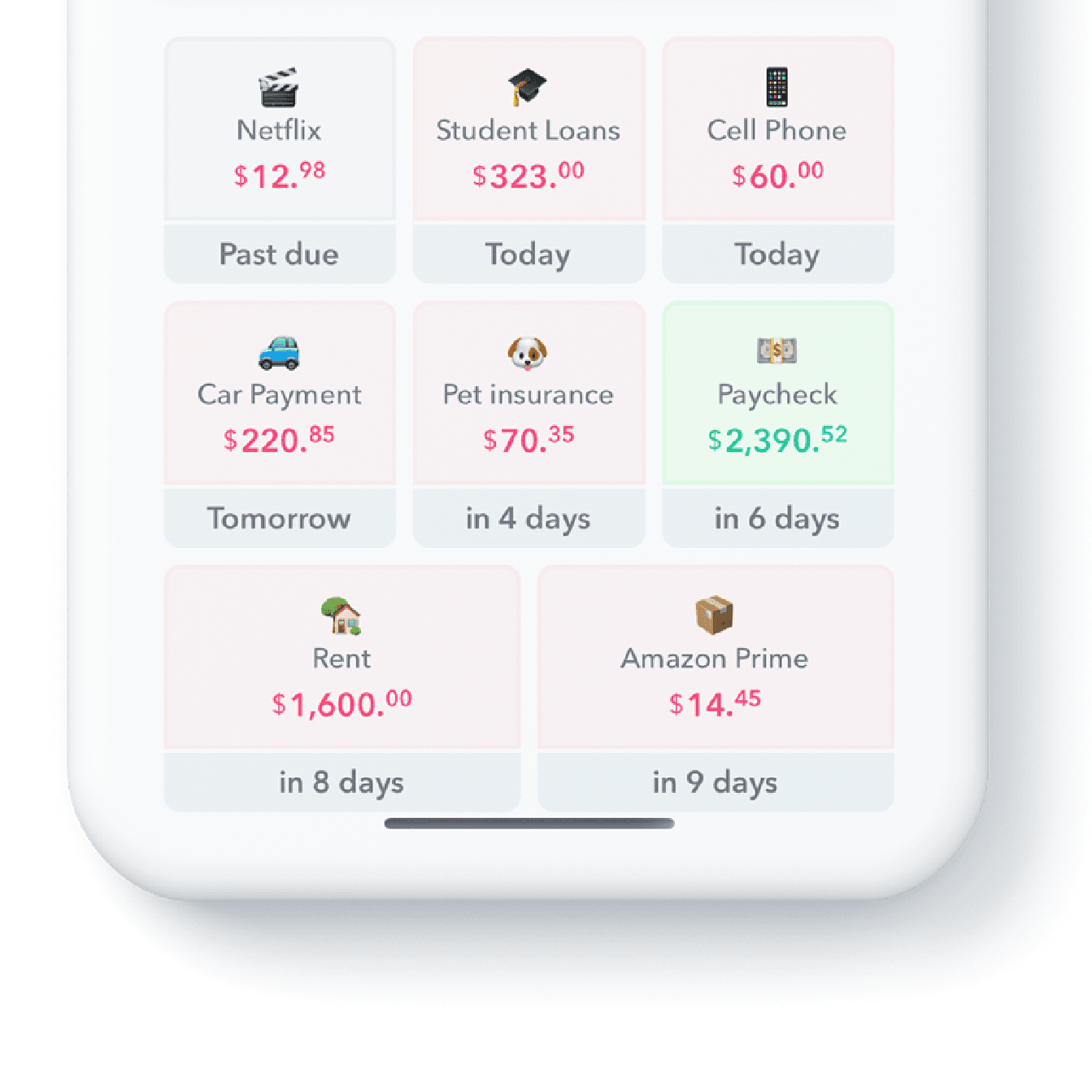
Weekly's Upcoming Items report gives you an instant view of what bills and income are coming next, so nothing catches you off guard.
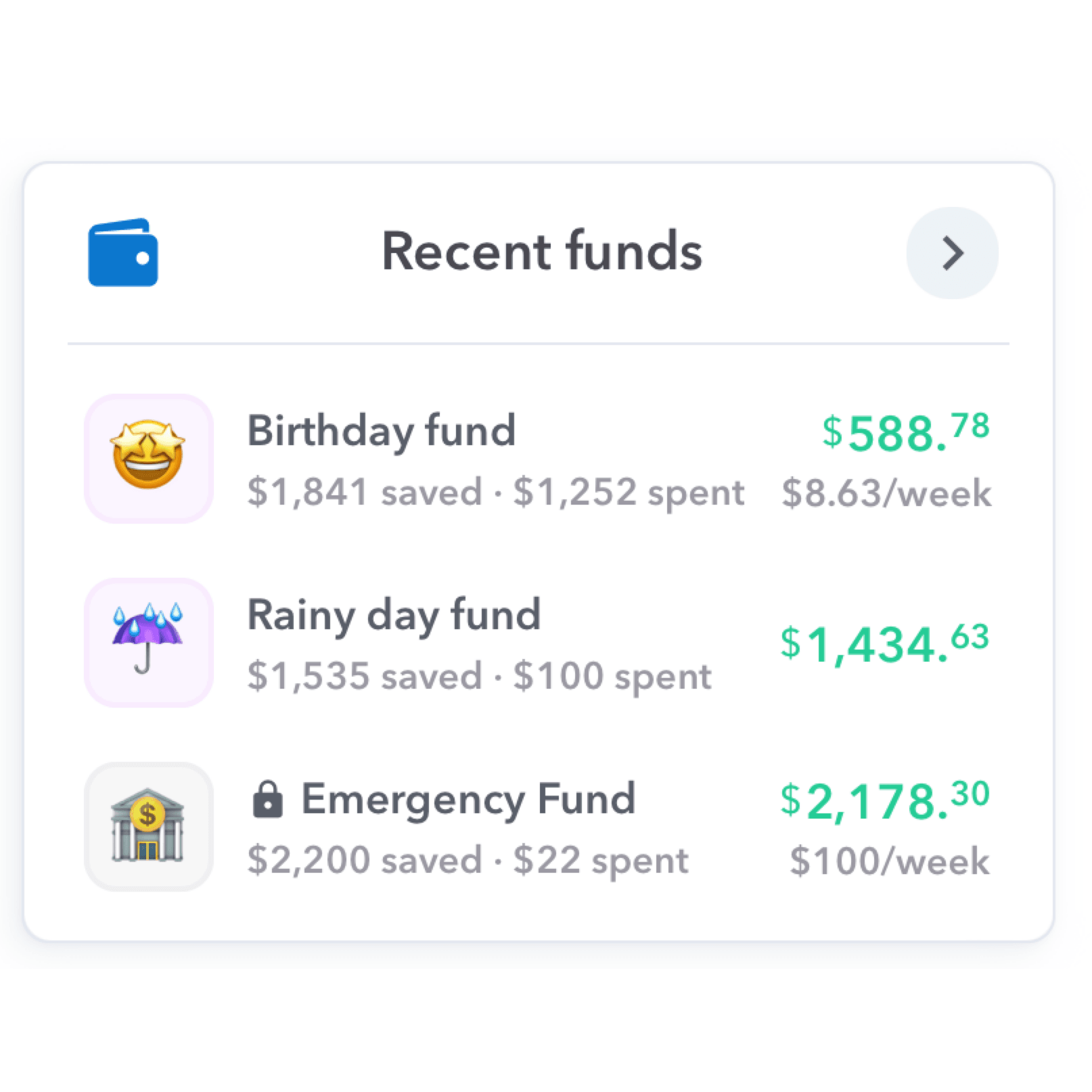
Weekly's redesigned dashboard gives quick insight into day-to-day spending, upcoming bills, account balances, and fund savings at a glance.

Here is everything you need to know about a Rainy Day Fund, including what it is, why it’s necessary, and how you can create one.
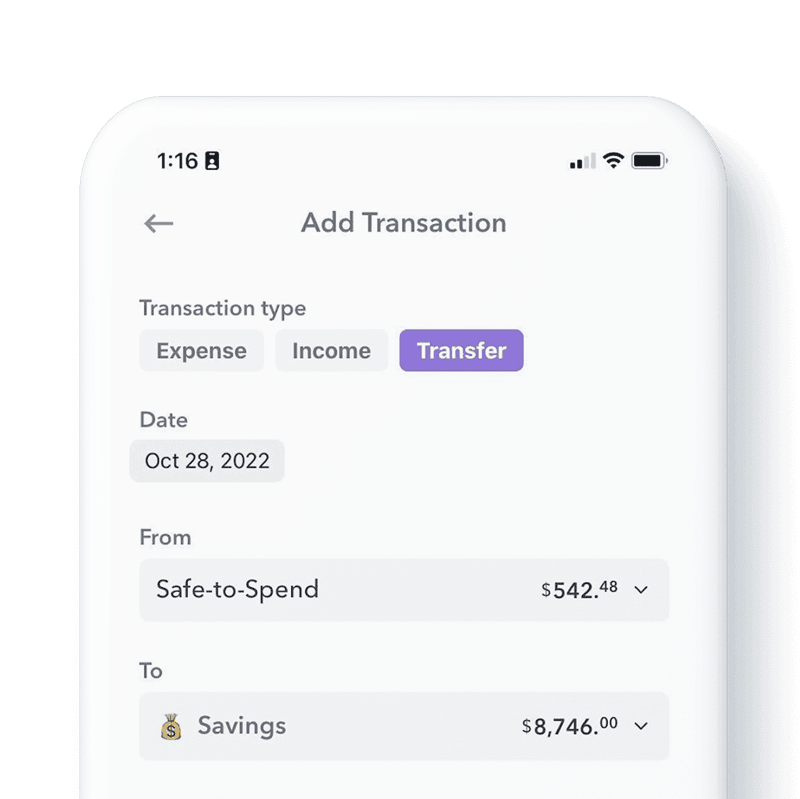
Need to move money between Funds, or between a Fund and your Safe-to-Spend? Here's how Weekly's transfer feature keeps things in order.
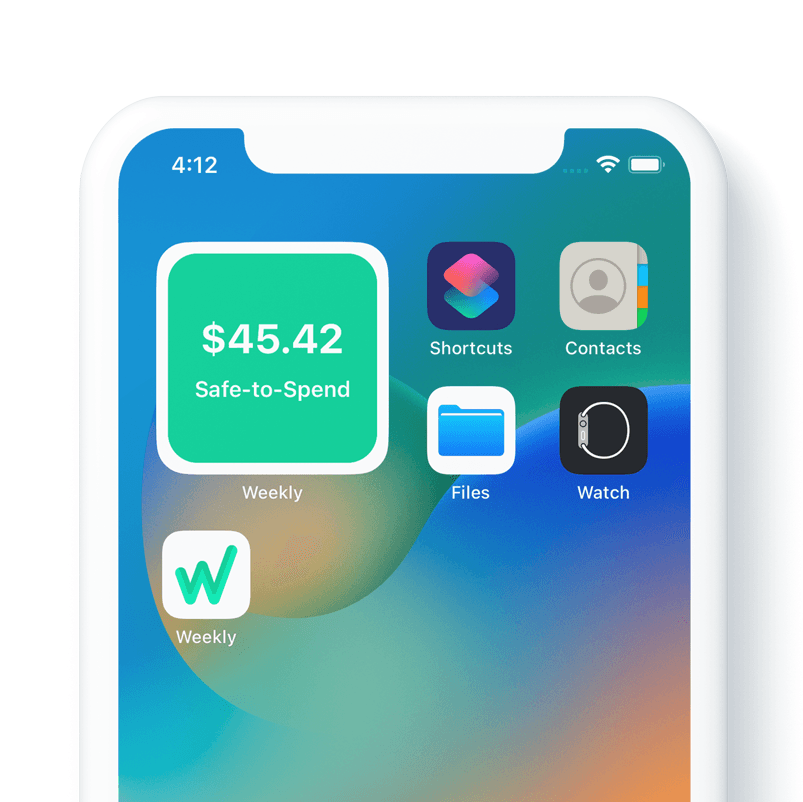
Keep your Safe-to-Spend one glance away with Weekly's home screen widget — like a financial weather gauge you never have to open the app for.

Discover what variable and fixed expenses are, see examples of each and understand why they may be the secret to mastering your budget.

If you’ve been wondering how to stop impulse buying, here are eight tips you can try. Don’t wait to form a better relationship with your finances.
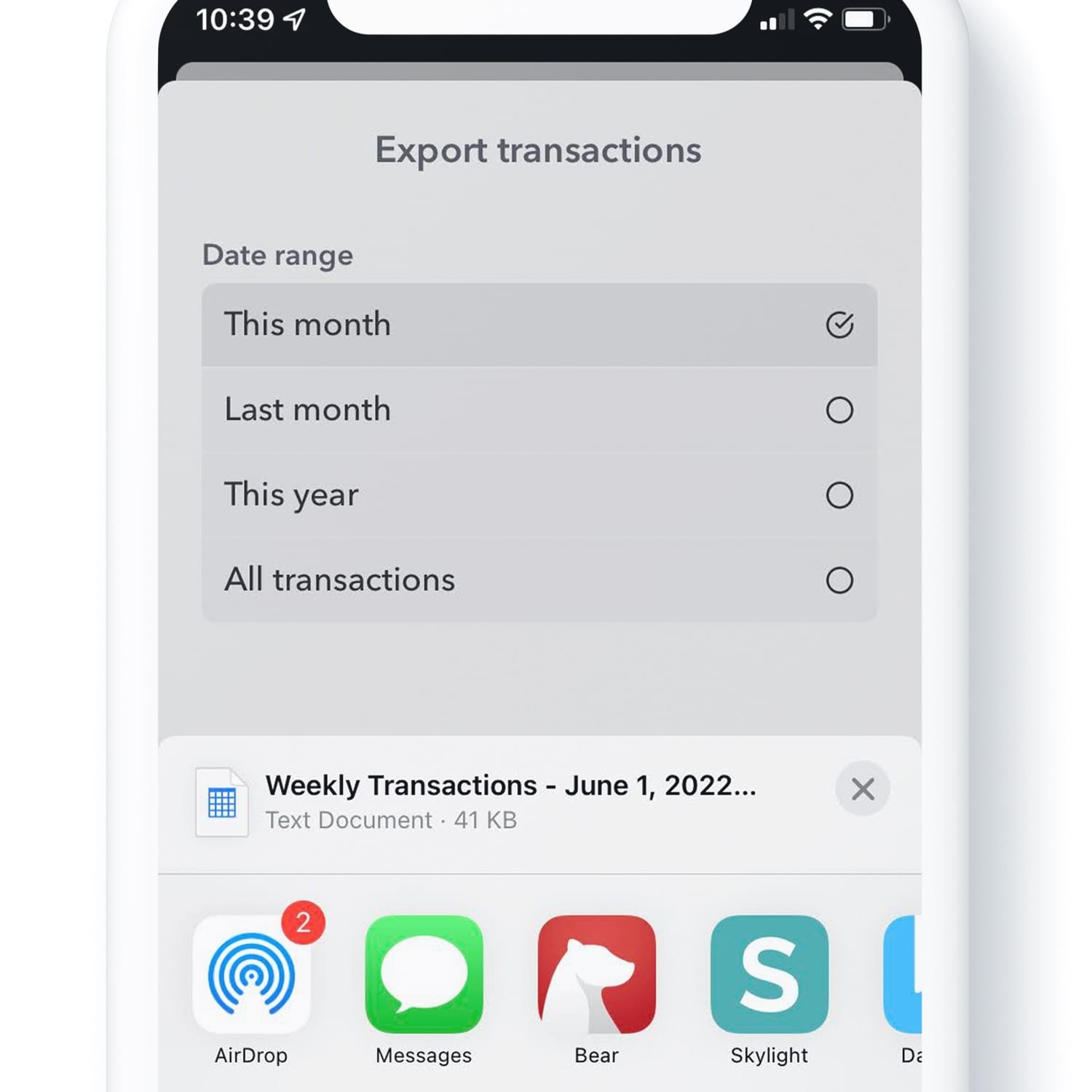
Weekly now lets you export your transactions to a CSV file, so you can dig into your own spending data in your favorite spreadsheet tool.

If your paycheck seems to disappear before it even hits your bank account, these 11 easy tips can help you hold onto more of it.
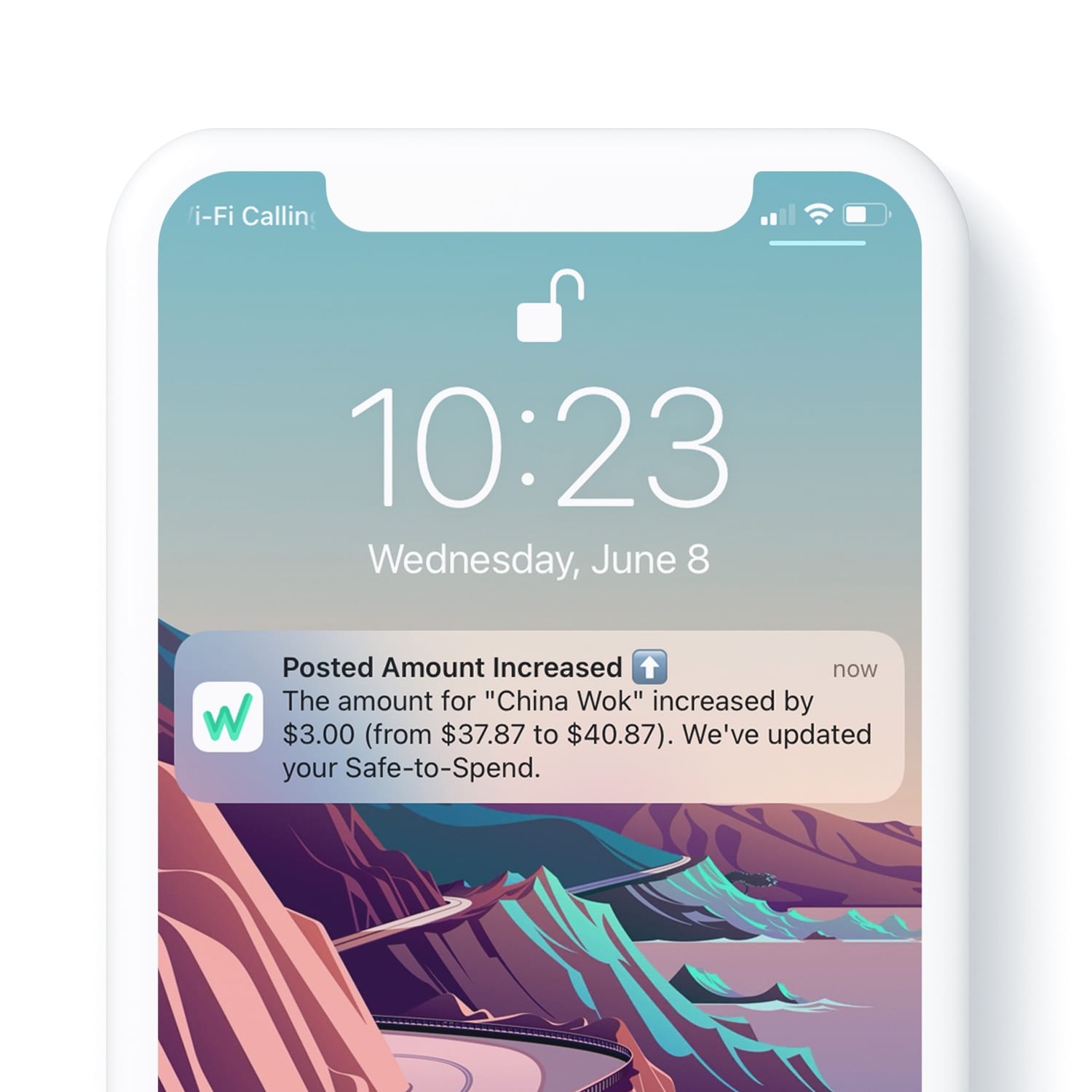
When a pending transaction's amount increases after it posts, Weekly sends a push notification so your Safe-to-Spend is never a surprise.
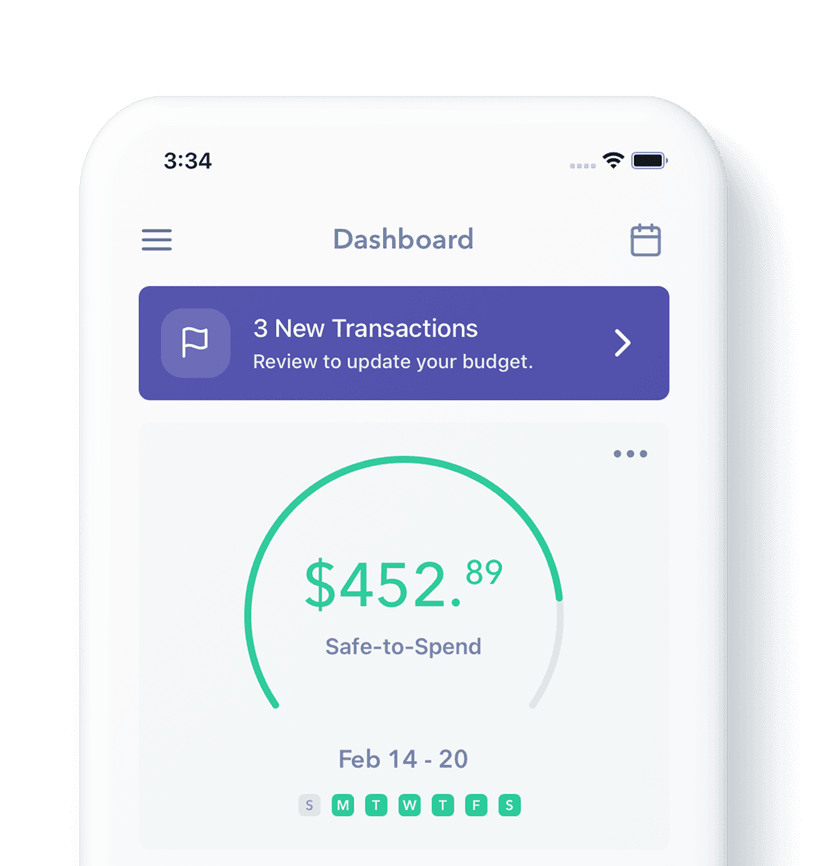
Once your Safe-to-Spend is set up, here are the two ways to start logging your day-to-day purchases as you go through your first week.

Budgeting with a partner can strain a relationship — or strengthen it. Here are 4 common mistakes couples make, and how to fix them.
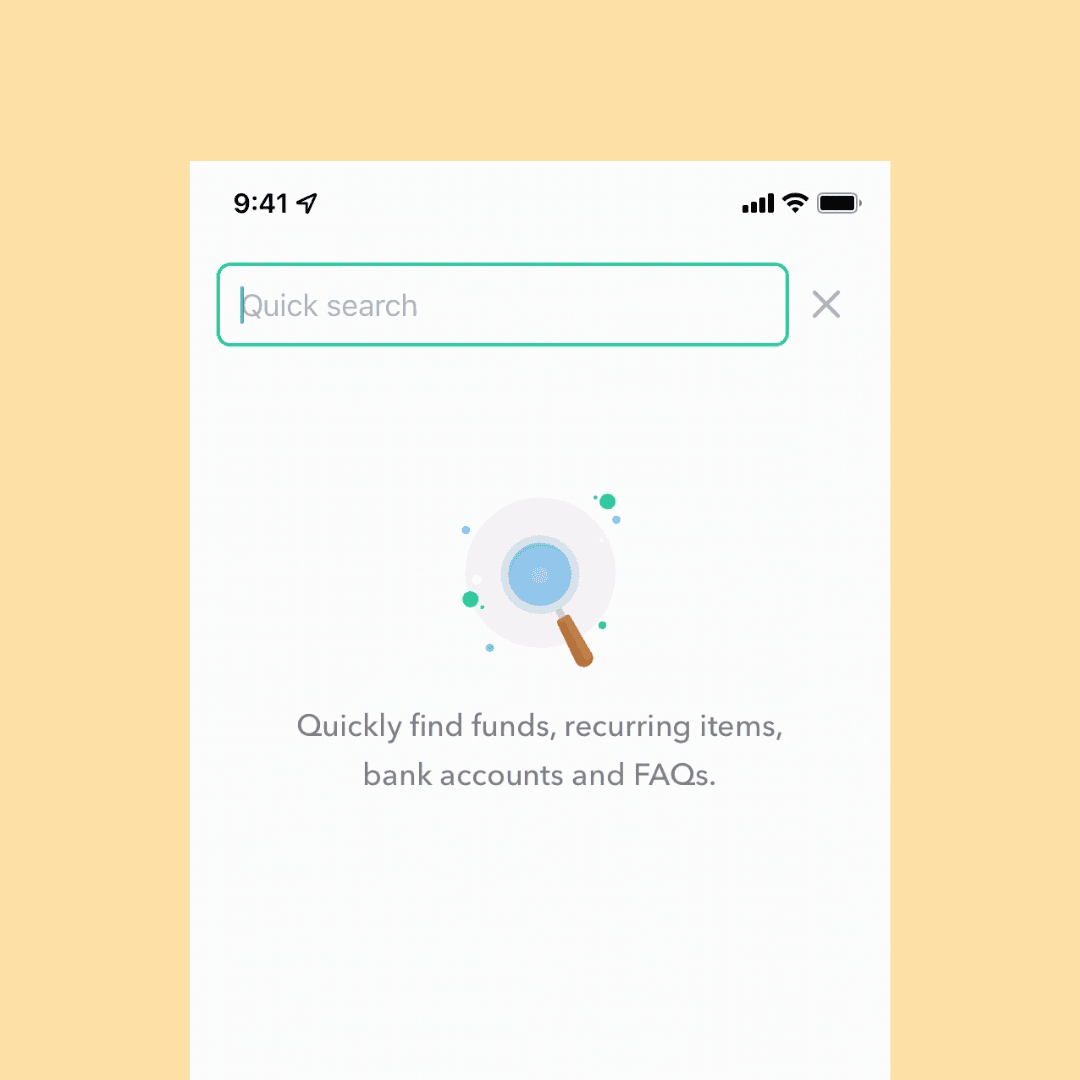
Weekly's global search allows you to find funds, recurring items, bank accounts and even answers to frequently asked questions.

Saving money can mean finding small ways to save in different areas of your budget. Here are 7 money saving tips that can add up.
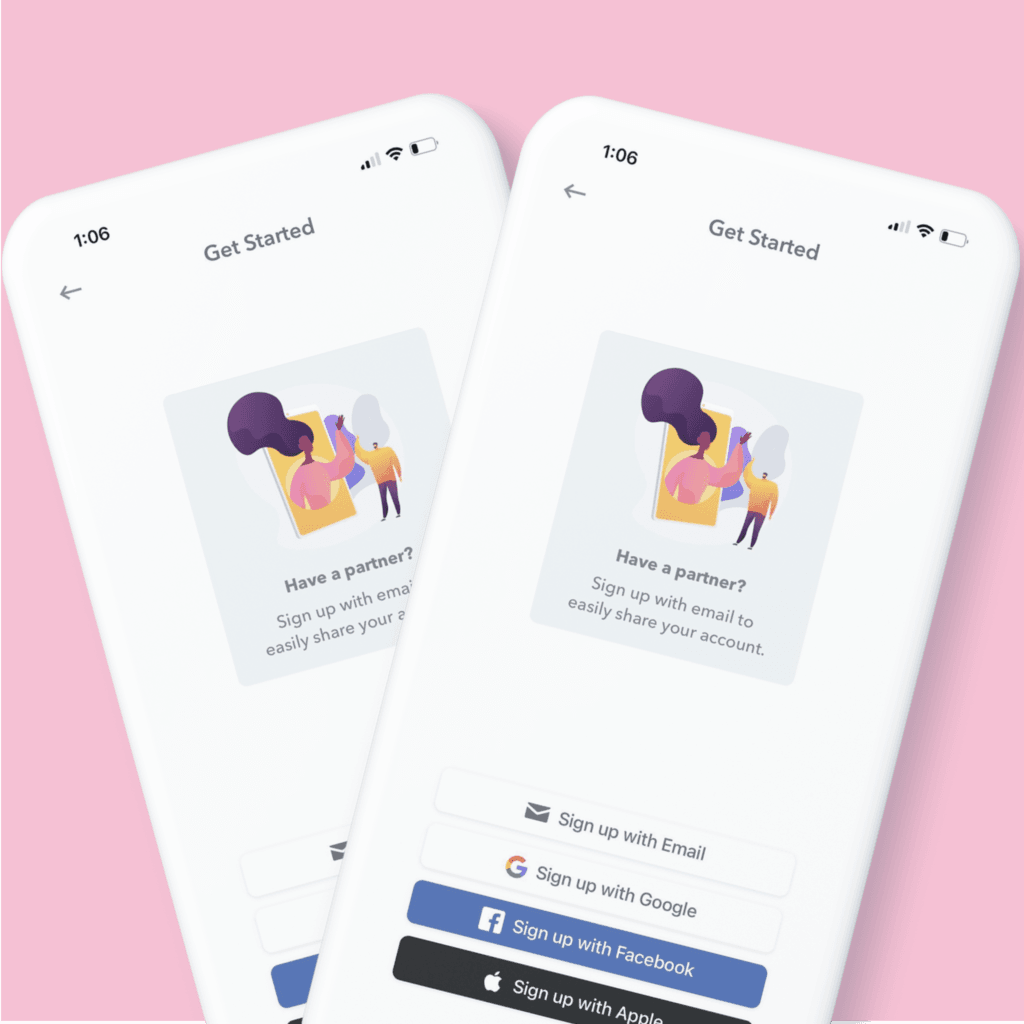
Budgeting with a spouse or partner? Weekly can help. In fact, budgeting with a spouse is part of Weekly’s origin story.

It can sometimes get confusing to make sure our spending is in line with our values. These 5 budgeting tips will set you up for success.
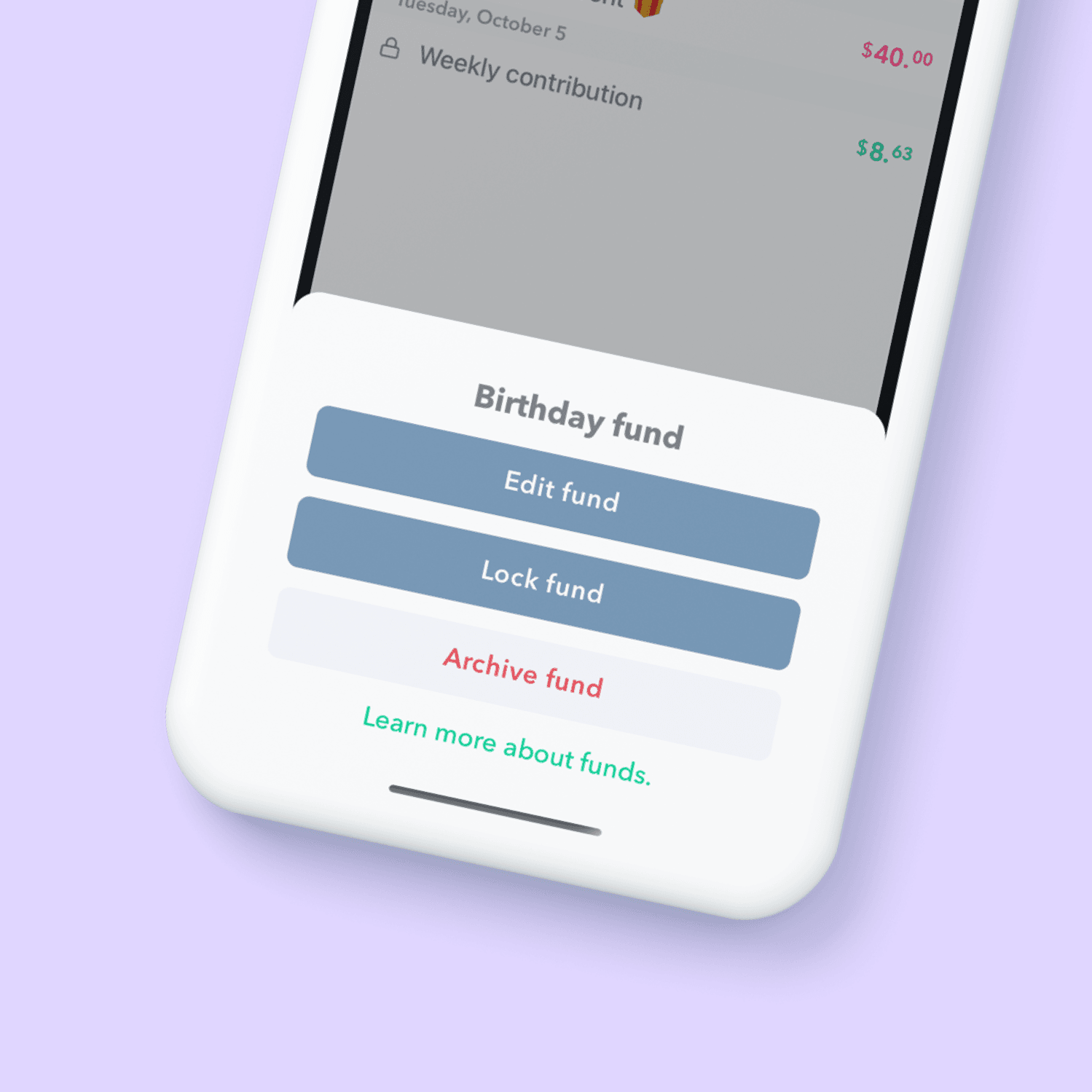
Locking and archiving funds are two ways to manage availability of funds. Here’s the difference between the two.

Use Funds to track money you are saving for an emergency, a holiday, or a vacation. Funds allow check your progress over time.
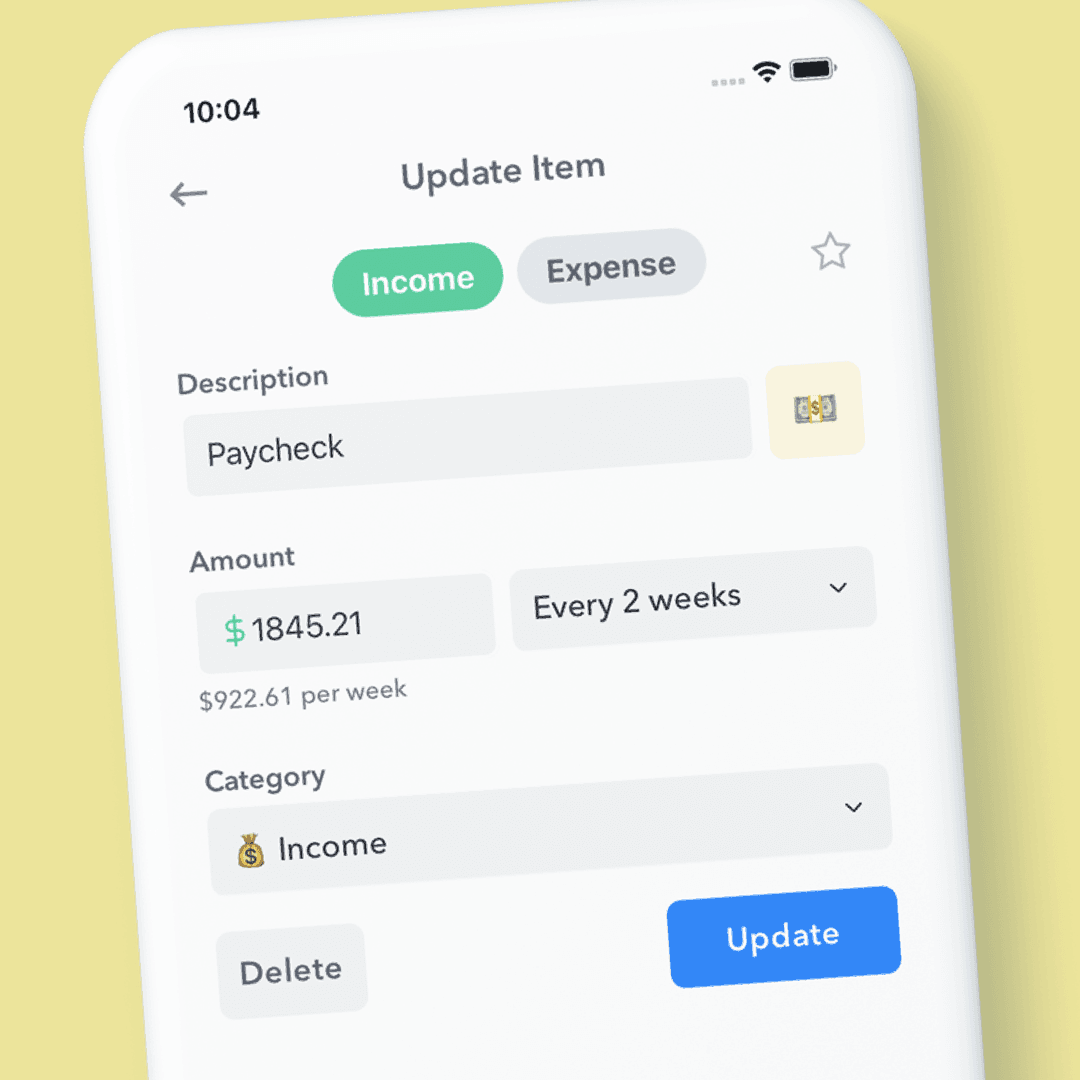
When adding/updating a recurring income or expense inside Weekly's budgeting app, you can pick your own emoji and background color.

Weekly connects to your bank to download your transactions to make it easy to stay on top of your Safe-To-Spend. Up until now, Weekly - via Plaid - has

Create a weekly budget based on your income and expenses. Use this step by step guide to coming up with your "Safe-To-Spend" number.
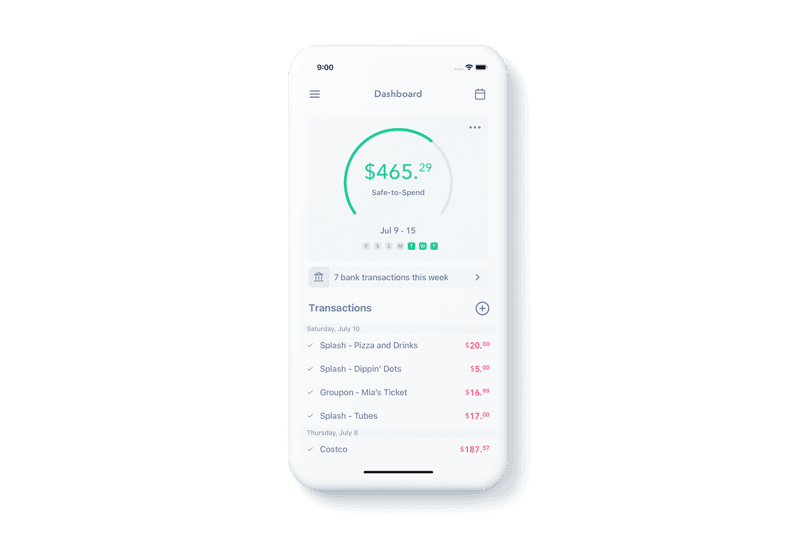
Weekly is designed to keep you focused on one number: your Safe-To-Spend. To make sure your Safe-To-Spend number is up-to-date and accurate, Weekly pulls
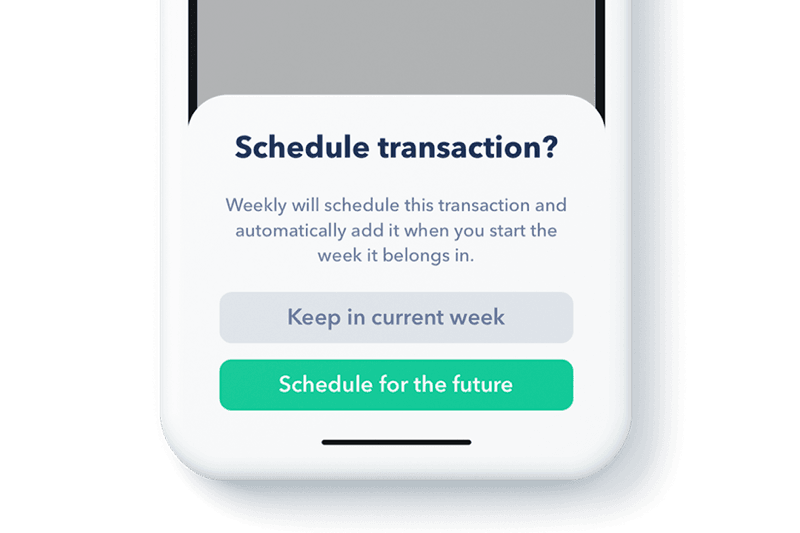
The latest launch of Weekly brings the ability to schedule transactions in the future. This comes in handy when you spend money but don’t want to count it

Do you feel anxious about money? That’s okay! Financial therapists say that it’s completely normal. Being unclear on what whether we are

Budgets shouldn't be punishment for past mistakes. Here's how Weekly was designed to help you feel empowered about money, not ashamed.
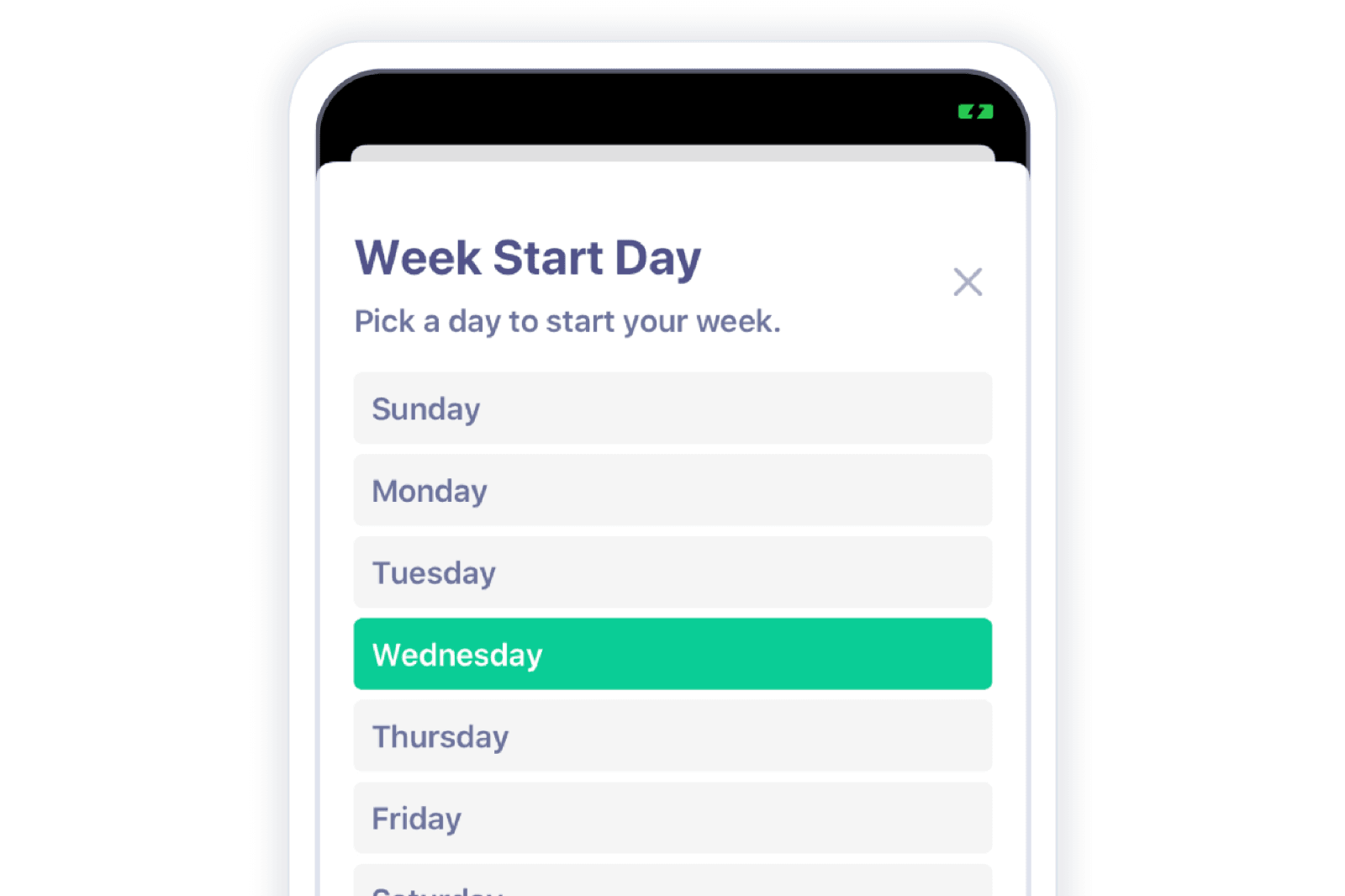
The idea of behind Weekly is to budget your money on a weekly basis and not focus on when cash comes in or out of your bank account. But your “money week”
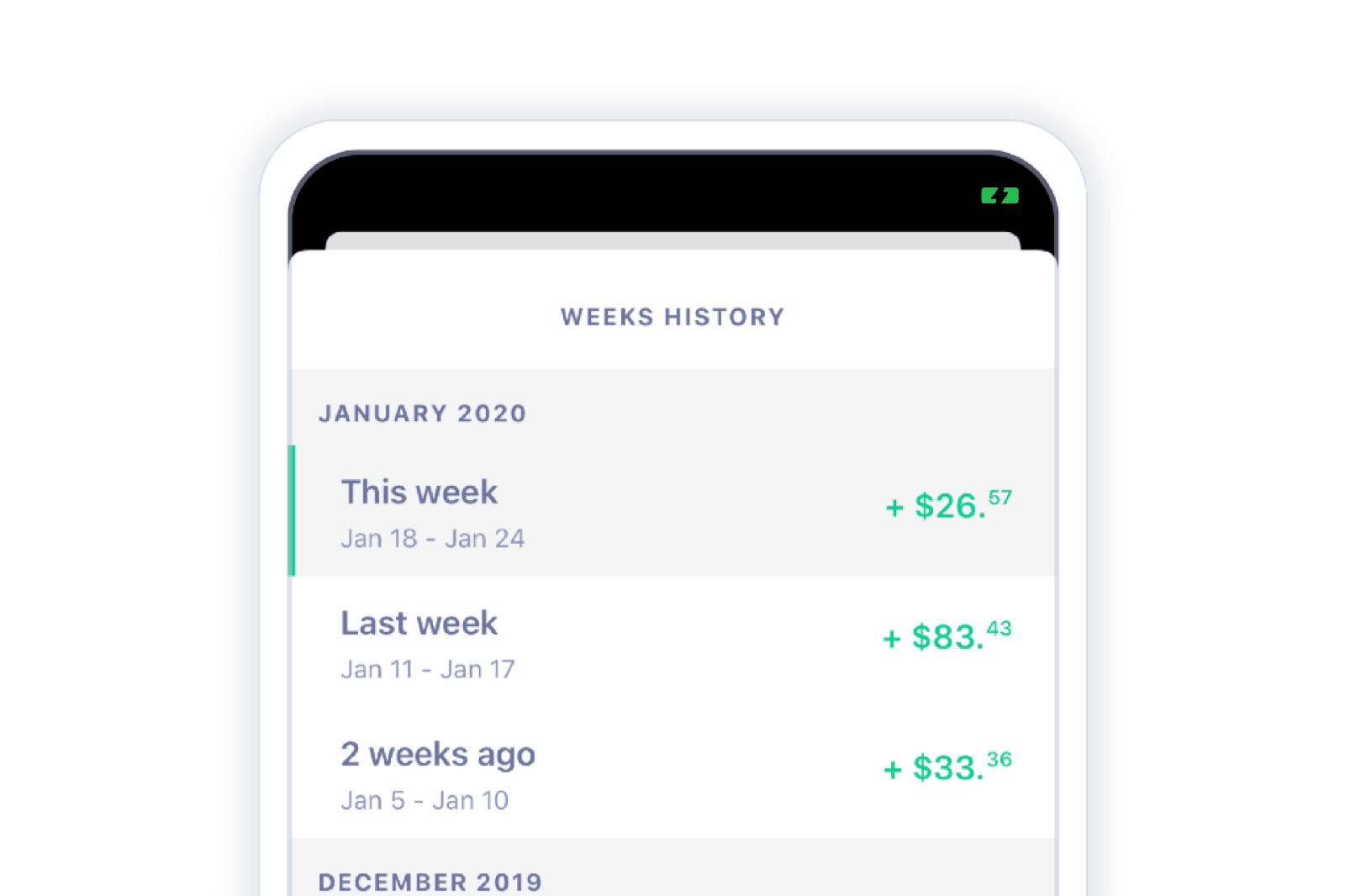
What’s in the past is in the past, but if you wanna take a look — we got you! It’s Weekly’s aim to declutter the process of keeping track of your money
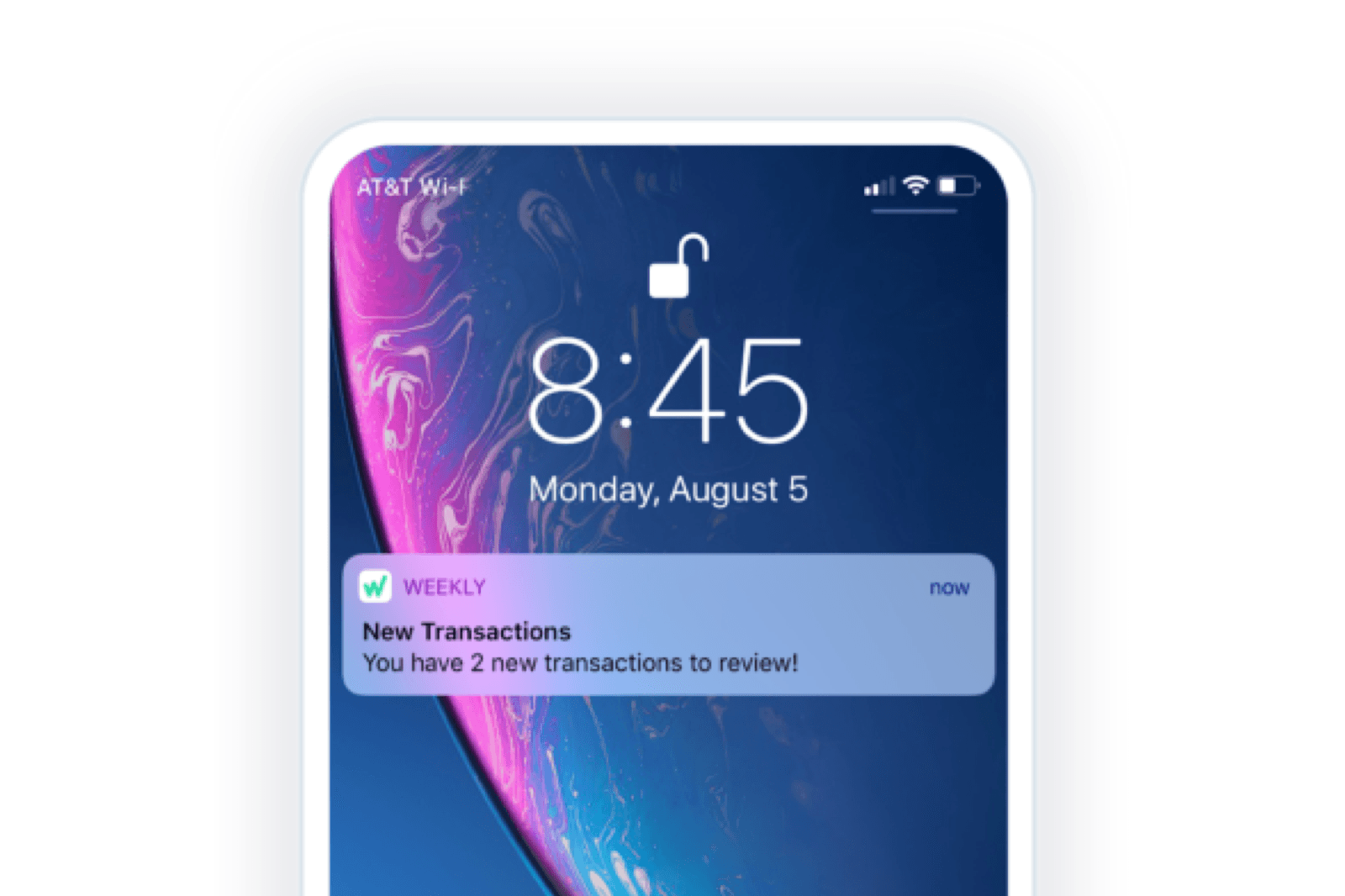
App Notifications and Viewing Bank Transactions Getting your transactions automatically downloaded from your bank helps take away the headache of manually
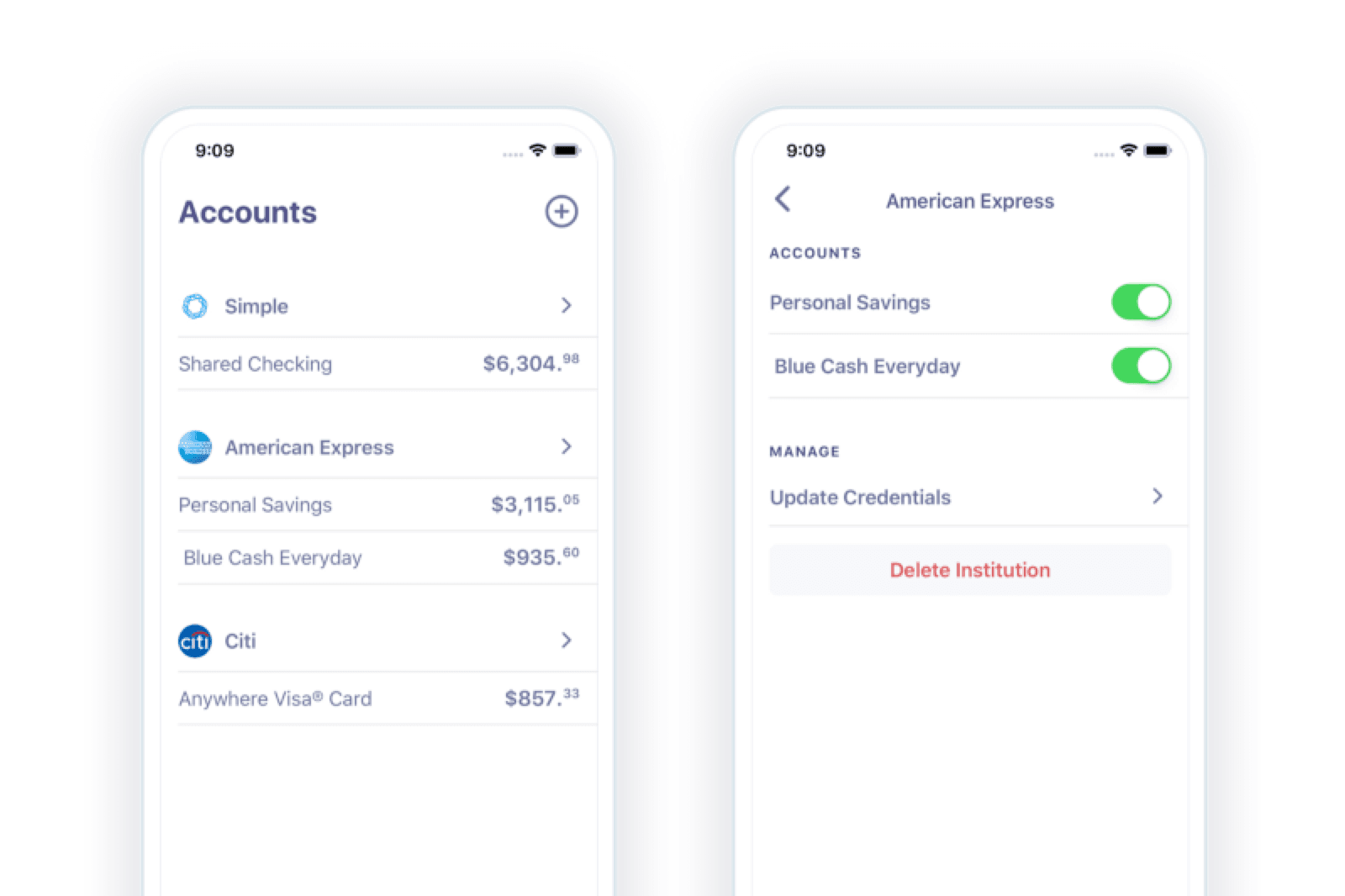
Account Management When you connect your financial institutions to Weekly, your transactions are automatically downloaded to help keep your budget up to
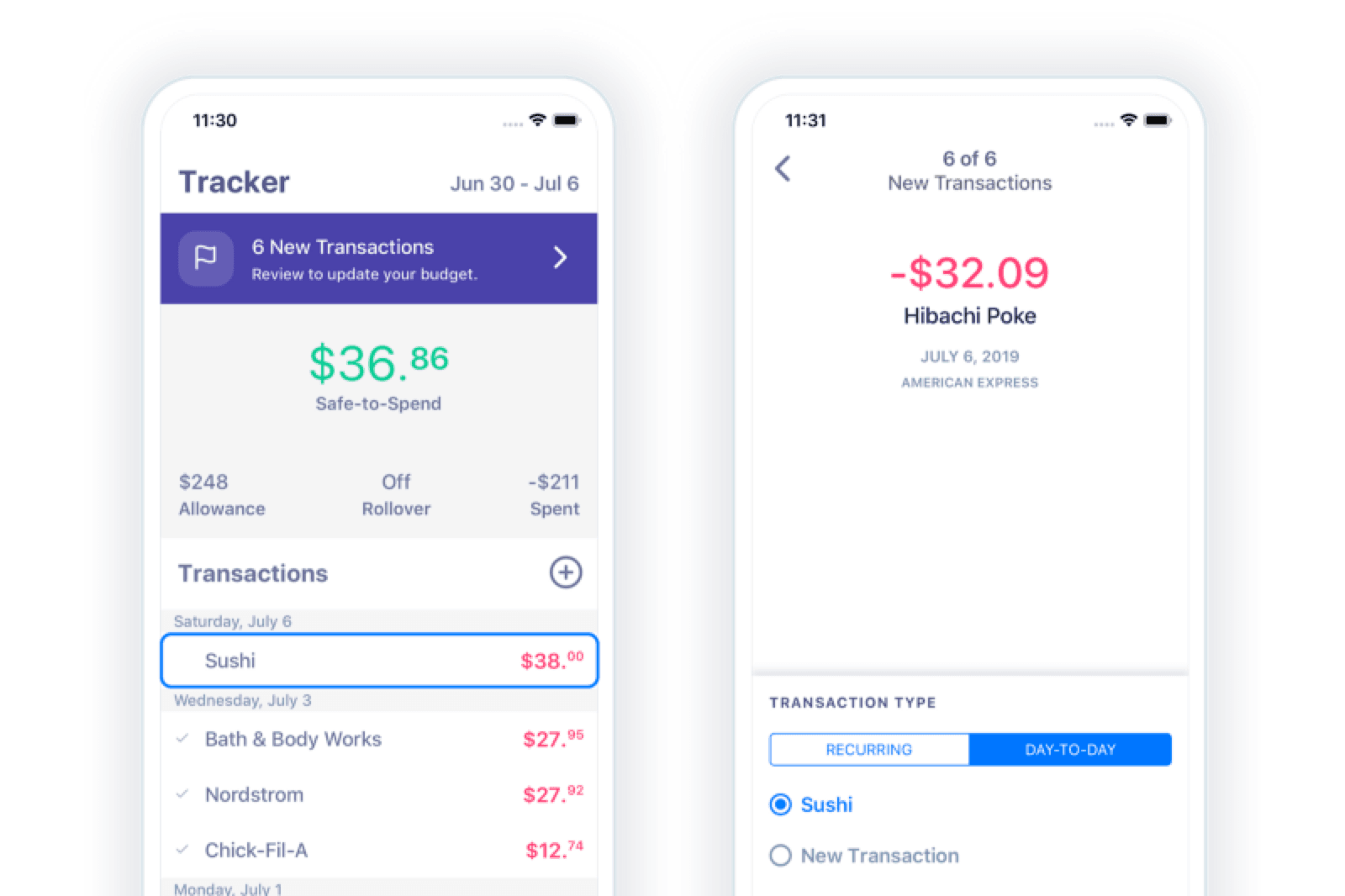
At Weekly we believe reviewing bank and credit card transactions is a critical step in managing your spending. Seeing each transaction individually
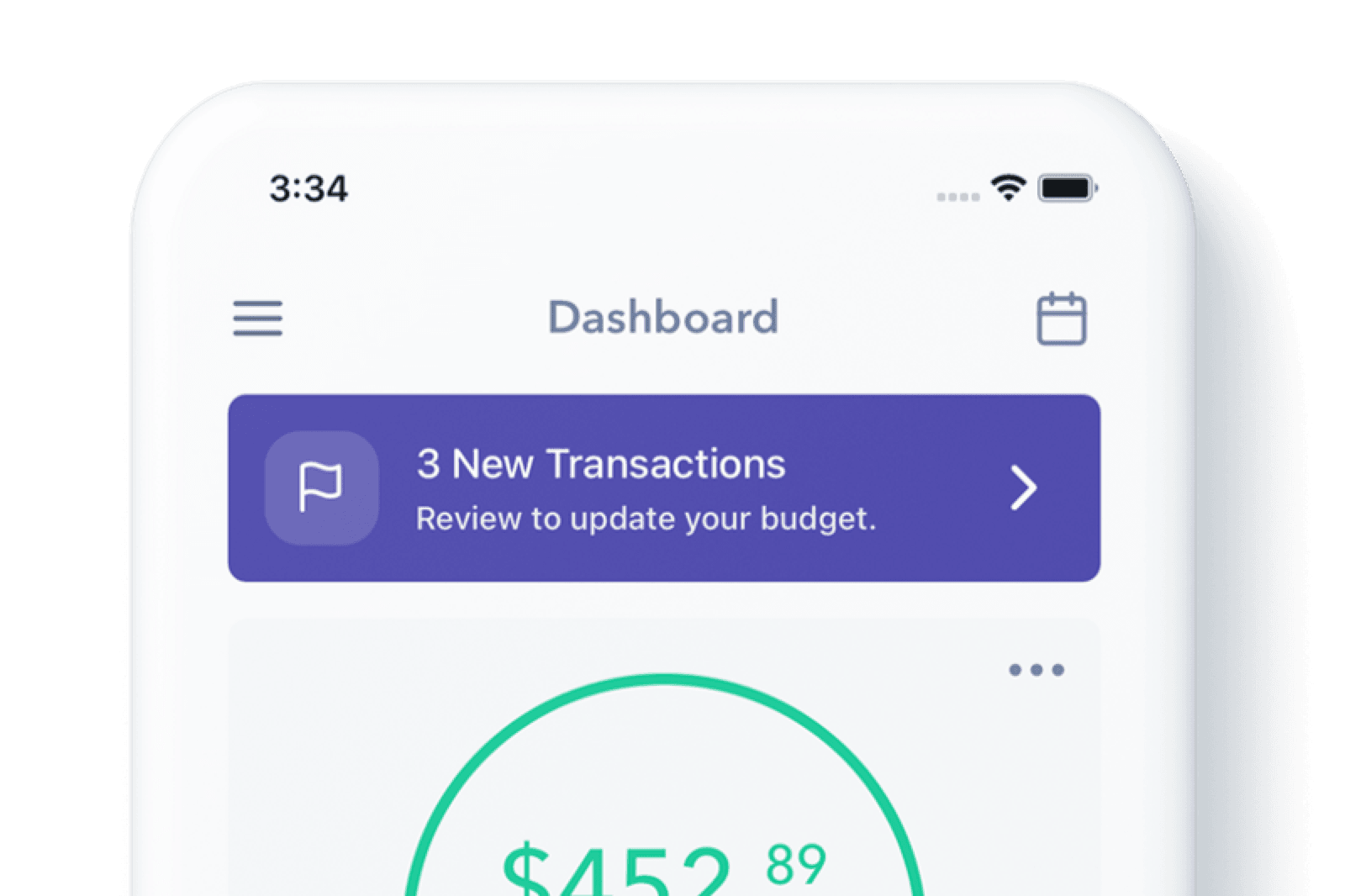
How Weekly automatically imports your bank transactions, and why we built it that way instead of asking you to enter every purchase by hand.
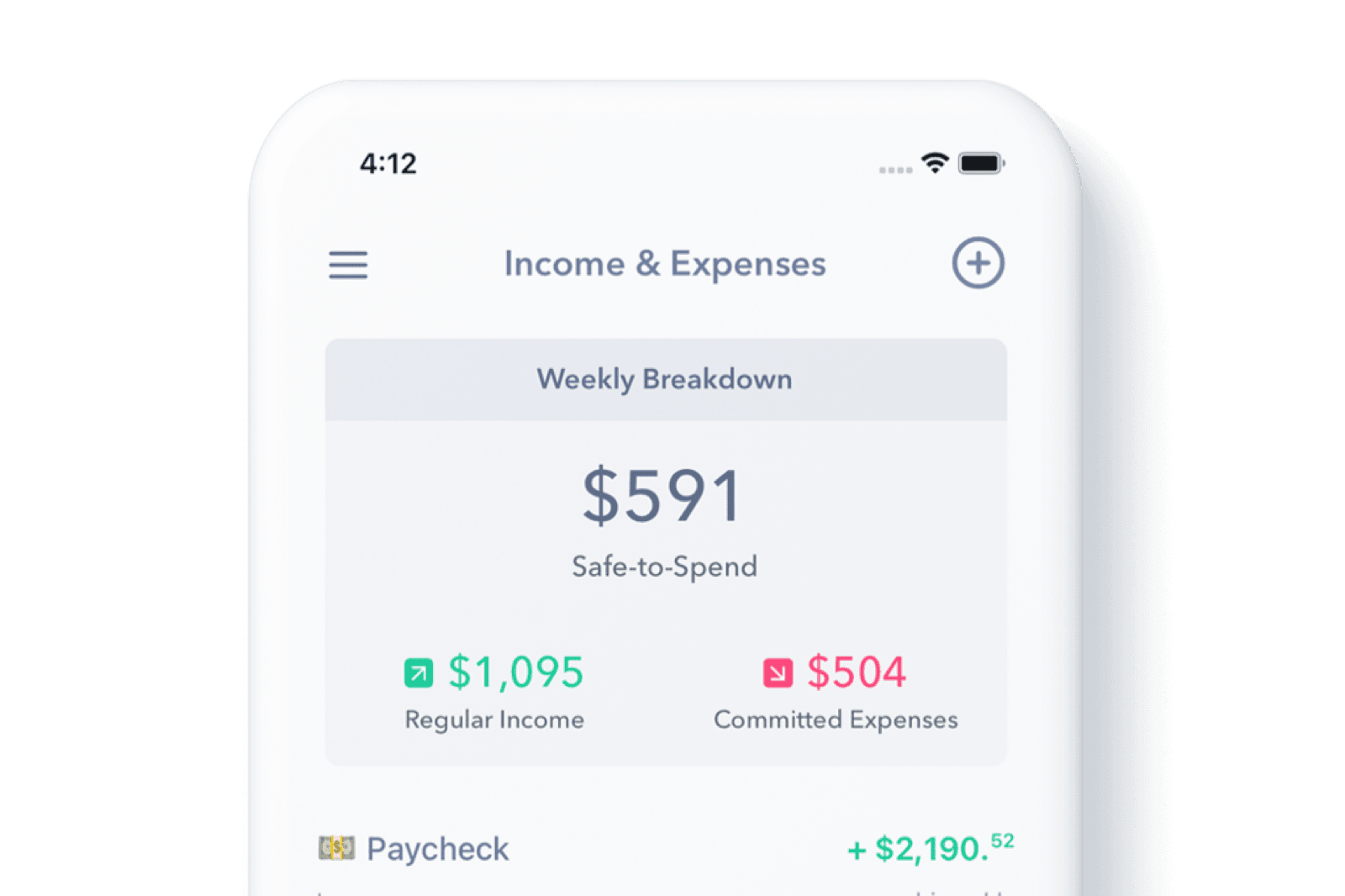
Why tracking spending by category gets complicated fast, and how boiling your budget down to one weekly spending limit makes it simple.
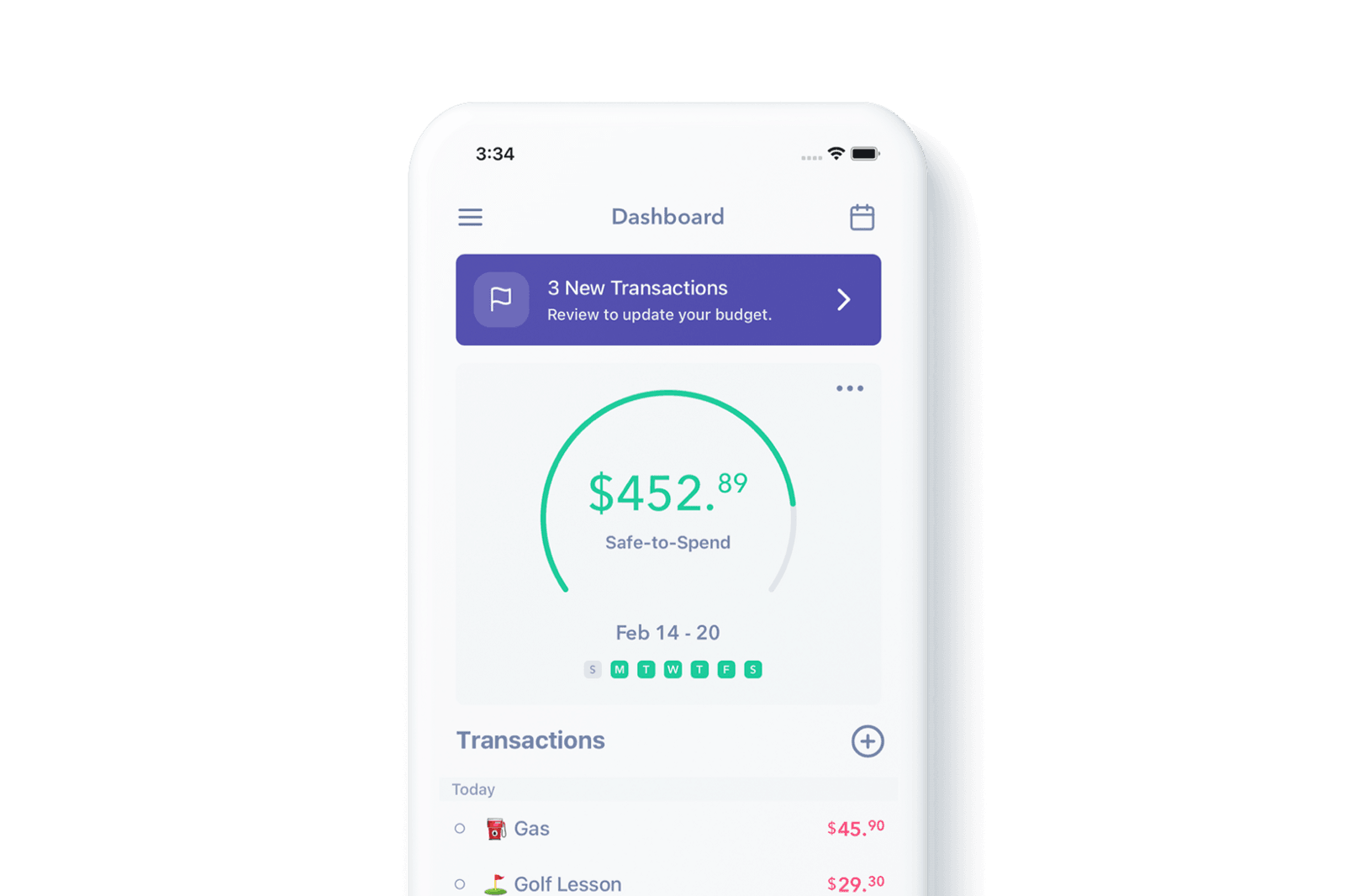
Weekly boils your budget down to one number: your Safe-to-Spend. Here's how tracking daily expenses against it actually changes behavior.
Most budgeting tools overcomplicate things. Here's why Weekly strips budgeting down to one number, and how that makes it easier to stick with.